
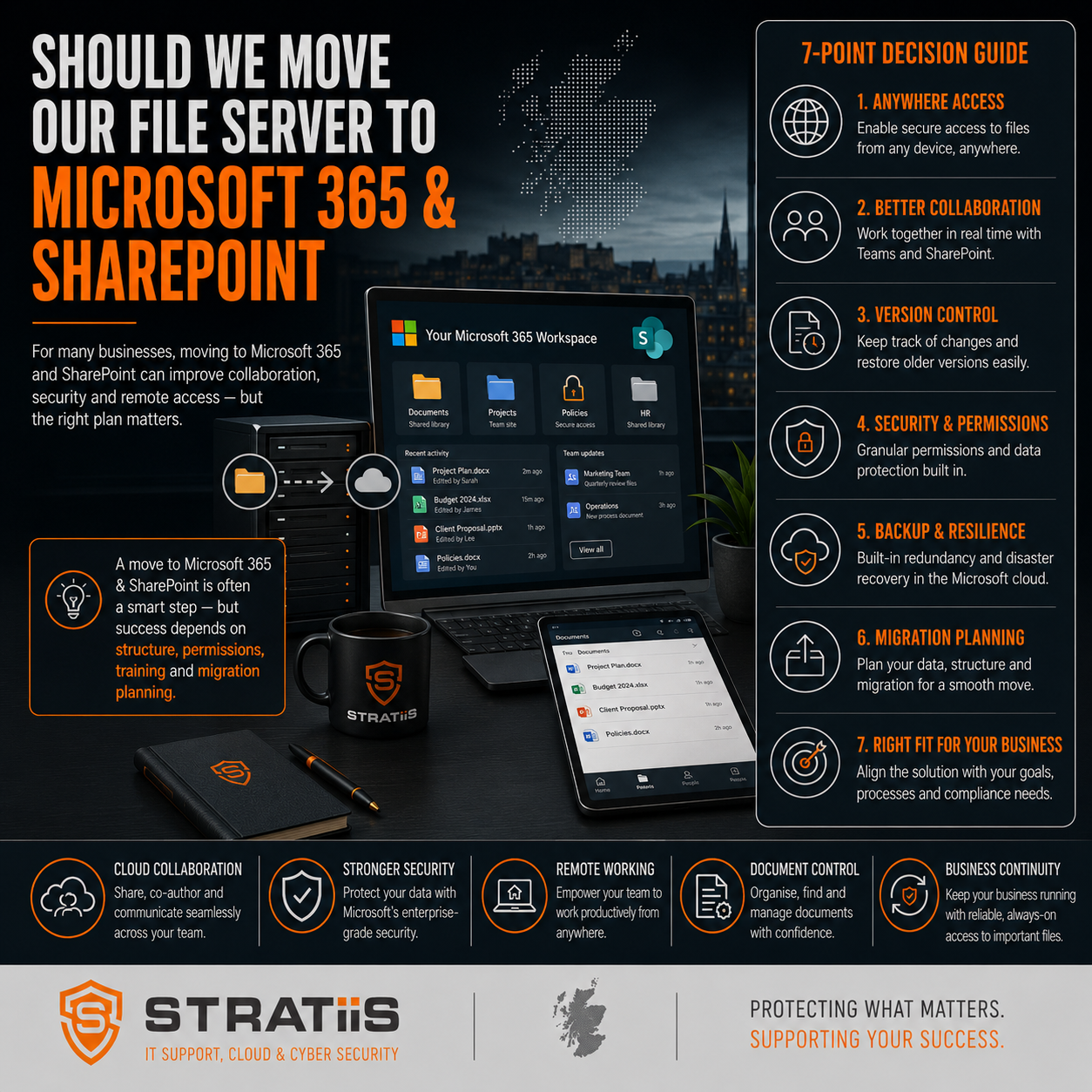
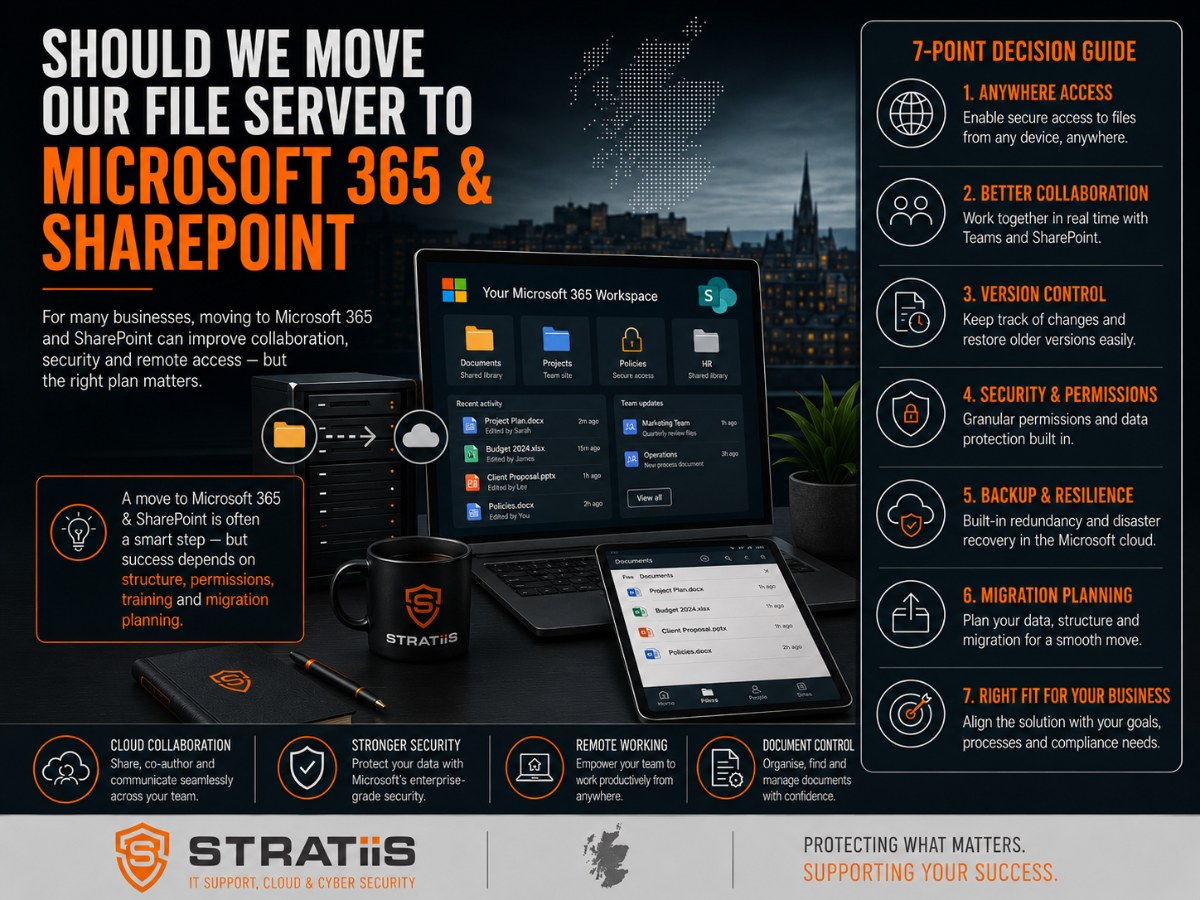
For many businesses, the traditional file server has been the centre of the IT environment for years.
Employees save documents to shared drives, access files through mapped network folders, and rely on office-based infrastructure to store business information.
However, as organisations embrace hybrid working, cloud services, cybersecurity improvements, and Microsoft 365, many business leaders are asking:
"Do we still need a file server, or should we move to Microsoft 365 and SharePoint?"
For many businesses with 10–100 employees, moving file storage to Microsoft 365 and SharePoint can improve accessibility, collaboration, security, and business continuity while reducing reliance on ageing on-premise infrastructure.
However, the right answer depends on your business requirements, file types, applications, and long-term technology strategy.
In this guide, we'll explain the pros and cons of both approaches and help you decide whether SharePoint is the right move for your organisation.
The Short Answer
For most modern businesses:
SharePoint Is Usually the Better Choice When:
- Staff work remotely or hybrid
- Microsoft 365 is already in use
- Collaboration is important
- Multiple people work on documents
- Security and compliance are priorities
- You want to reduce server dependency
A Traditional File Server May Still Be Appropriate When:
- Large specialist applications require local storage
- Very large CAD or design files are used frequently
- Legacy software depends on local file paths
- Internet connectivity is unreliable
- Certain compliance requirements demand local infrastructure
The decision should be based on business needs rather than technology trends.
What Is SharePoint?
SharePoint is Microsoft's cloud-based document management and collaboration platform included within Microsoft 365.
Instead of storing files on a local server, documents are stored securely within Microsoft's cloud infrastructure.
Employees can access files from:
- The office
- Home
- Client locations
- Mobile devices
SharePoint Features Include
- Secure document storage
- Version control
- File sharing
- Collaboration tools
- Permission management
- Search capabilities
- Integration with Microsoft Teams
- Mobile access
For many organisations, SharePoint replaces traditional file servers entirely.
What Are the Limitations of Traditional File Servers?
Traditional file servers have served businesses well for many years.
However, they often create challenges in modern working environments.
Limited Remote Access
Accessing files outside the office may require:
- VPN connections
- Remote desktop solutions
- Additional infrastructure
Hardware Costs
File servers require:
- Hardware replacement
- Maintenance
- Backups
- Security management
Single Point of Failure
If the server fails, file access may be disrupted.
Scalability Challenges
Storage requirements often grow faster than expected.
Expanding server infrastructure can become expensive.
The 7 Benefits of Moving to SharePoint
1. Access Files Anywhere
One of SharePoint's biggest advantages is accessibility.
Employees can securely access documents from:
- The office
- Home
- Customer sites
- Mobile devices
This supports hybrid and flexible working models.
2. Better Collaboration
Multiple employees can work on documents simultaneously.
Examples include:
- Word documents
- Excel spreadsheets
- PowerPoint presentations
Version conflicts are significantly reduced.
Business Benefits
- Faster collaboration
- Improved productivity
- Better document control
3. Improved Security
Microsoft invests heavily in cloud security.
SharePoint supports:
- Multi-Factor Authentication
- Conditional Access
- Encryption
- Access controls
- Audit logging
In many cases, cloud-based file storage is more secure than poorly managed on-premise servers.
4. Reduced Server Dependency
Moving files to SharePoint may reduce the need for:
- File servers
- Storage infrastructure
- On-premise maintenance
This can simplify IT management.
5. Enhanced Business Continuity
Files remain accessible even if:
- An office loses power
- A server fails
- Hardware is damaged
Business continuity becomes easier to manage.
6. Powerful Search Capabilities
Employees often waste time searching for documents.
SharePoint includes advanced search capabilities that make information easier to find.
Typical Benefits
- Faster document retrieval
- Improved productivity
- Reduced duplication
7. Built-In Version Control
SharePoint automatically tracks document versions.
This means:
- Previous versions can be restored
- Changes can be reviewed
- Accidental overwrites can be recovered
Version control is one of the most underappreciated benefits of SharePoint.
When a Traditional File Server Still Makes Sense
Despite the advantages of SharePoint, traditional file servers remain appropriate in certain situations.
Large CAD and Engineering Files
Some engineering and manufacturing applications perform better with local storage.
Specialist Applications
Legacy software may require direct server access.
High-Performance Requirements
Applications processing large datasets may benefit from local infrastructure.
Poor Internet Connectivity
Reliable internet access remains important for cloud-based solutions.
A hybrid approach is often the best answer.
Common Concerns About Moving to SharePoint
"Will We Lose Our Folder Structure?"
No.
Most existing folder structures can be recreated within SharePoint.
"What About Security?"
Microsoft provides extensive security controls including:
- MFA
- Conditional Access
- Encryption
- Audit logs
"Can We Still Share Files Internally?"
Yes.
In fact, collaboration is often easier.
"What Happens if Someone Deletes a File?"
SharePoint includes:
- Recycle bins
- Version history
- Retention options
Recovery is often simpler than traditional file servers.
SharePoint vs File Server Comparison
| Feature | Traditional File Server | SharePoint |
|---|---|---|
| Remote Access | Limited | Excellent |
| Collaboration | Basic | Advanced |
| Version Control | Limited | Built-In |
| Hardware Required | Yes | No |
| Backup Management | Organisation Responsibility | Microsoft Infrastructure |
| Accessibility | Office-Centric | Anywhere |
| Scalability | Limited | Highly Scalable |
| Integration with Teams | Limited | Excellent |
For many organisations, SharePoint provides a more flexible and future-ready platform.
A Stratiis Client With 40 Employees Who Moved Their Business To SharePoint
Their Previous Environment
- On-premise file server
- VPN access required
- Hybrid workforce
- Ageing server infrastructure
The Challenges They Faced
- Difficult remote access
- Increasing support costs
- Upcoming server replacement
- Limited collaboration
Their Migration Approach
The organisation moved:
- Shared documents
- Team folders
- Project files
To:
- Microsoft 365
- SharePoint
- Microsoft Teams
The Benefits They Received
- Improved collaboration
- Reduced server dependency
- Better security
- Easier remote access
- Lower infrastructure management overhead
The decision was driven by business requirements rather than technology alone.
Five Questions to Ask Before Migrating
1. How Much Data Do We Store?
Understanding file volumes is essential.
2. Do We Use Specialist Applications?
Some applications may require alternative approaches.
3. How Important Is Remote Access?
Hybrid organisations often benefit most.
4. How Old Is Our Existing Server?
An upcoming server replacement may create an ideal migration opportunity.
5. What Is Our Long-Term Technology Strategy?
Cloud adoption should align with business objectives.
Why Businesses Across Scotland Choose Stratiis for Microsoft 365 Migrations
At Stratiis, we help organisations across Glasgow, Edinburgh, Lanarkshire, Ayrshire, Lothian, Dumfries & Galloway, and Perthshire modernise file storage and collaboration using Microsoft 365.
Our services include:
- SharePoint migrations
- Microsoft Teams integration
- Microsoft 365 security
- Information architecture design
- User adoption support
- Strategic vCIO planning
- Data governance guidance
We help businesses maximise the value of Microsoft 365 while reducing risk and complexity.
Final Thoughts
For many businesses with 10–100 employees, moving from a traditional file server to Microsoft 365 and SharePoint offers significant advantages.
These include:
- Better remote access
- Improved collaboration
- Enhanced security
- Greater business continuity
- Reduced infrastructure dependency
However, every organisation is different.
The best approach is to assess your current environment, understand your business requirements, and develop a migration strategy that supports long-term goals.
The question is no longer whether cloud collaboration is the future.
For many organisations, the question is whether their existing file server is holding them back.
Related Articles
Microsoft 365 Business Premium vs E5: Which Is Best for Scottish Businesses?
How Often Should a Business Replace PCs, Laptops and Servers?
What Does a Strategic vCIO Do for a Growing Business and Is It Worth It?
How Much Downtime Does Unmanaged IT Typically Cost a Business?


