
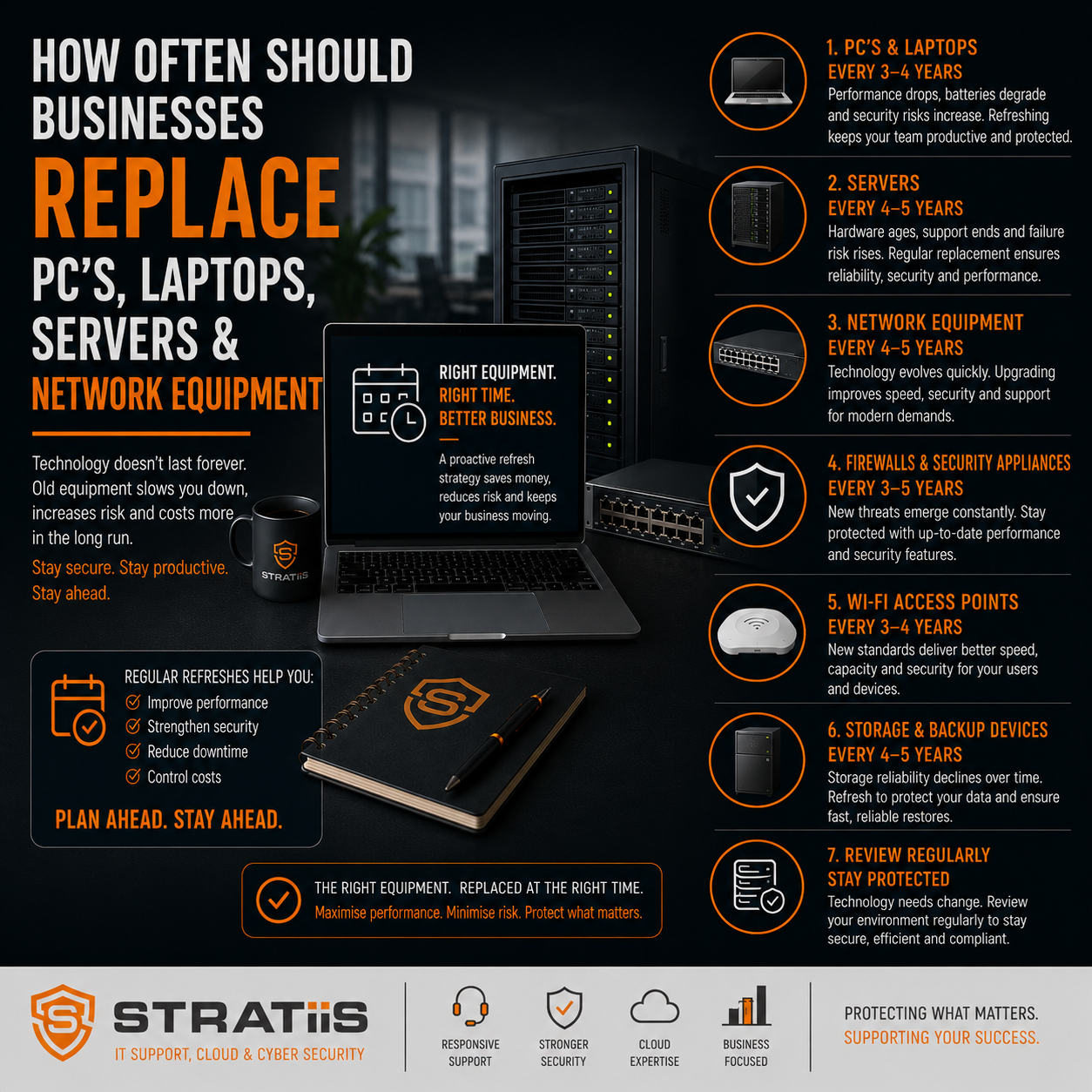
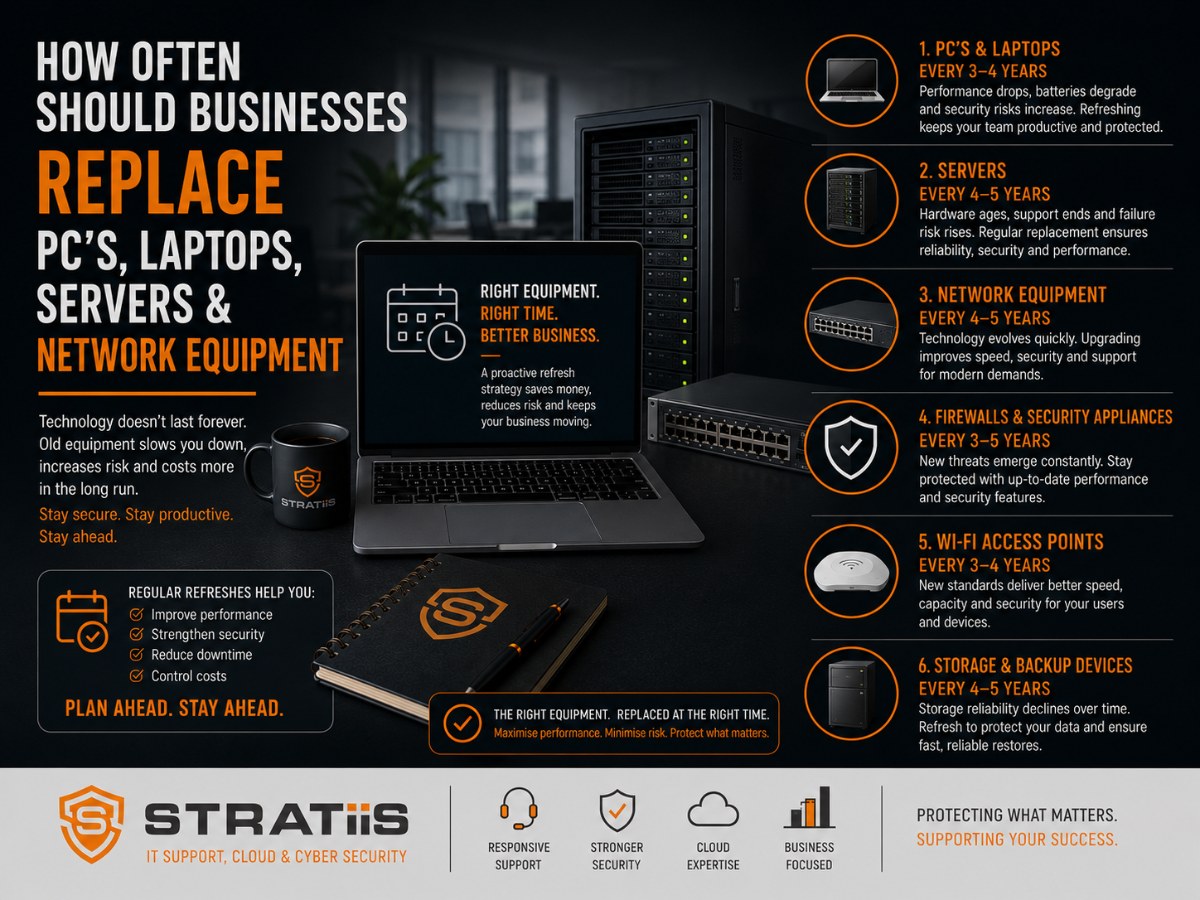
One of the most common questions business leaders ask is:
"How long should our computers and servers last?"
Many organisations continue using ageing equipment because it still appears to be working. However, waiting until technology fails can lead to higher support costs, reduced productivity, increased cybersecurity risks, and unexpected downtime.
For most businesses with 10–100 employees, a proactive technology lifecycle strategy helps reduce risk and create more predictable IT budgets.
As a general rule:
| Technology | Recommended Replacement Cycle |
|---|---|
| Business PCs | Every 4–5 Years |
| Business Laptops | Every 4–5 Years |
| Physical Servers | Every 5–7 Years |
While these timelines are a useful starting point, the right replacement schedule depends on your business requirements, software demands, cybersecurity needs, and long-term technology strategy.
In this guide, we'll explain when equipment should be replaced, warning signs to watch for, and how businesses can budget effectively for future upgrades.
The Hidden Cost of Keeping Technology Too Long
Many businesses assume delaying hardware replacement saves money.
In reality, ageing technology often creates hidden costs that outweigh the savings.
Common issues include:
- Slower employee productivity
- More support tickets
- Increased downtime
- Security vulnerabilities
- Software compatibility problems
- Higher maintenance costs
The goal isn't replacing equipment unnecessarily.
The goal is replacing equipment before it becomes a business risk.
How Often Should Business PCs Be Replaced?
For most organisations, desktop PCs should be replaced every 4–5 years.
Why 4–5 Years?
Modern business applications place increasing demands on hardware.
Examples include:
- Microsoft 365
- Microsoft Teams
- SharePoint
- Cloud applications
- Security software
- AI-powered productivity tools
A PC that performed well five years ago may struggle to deliver the same experience today.
Signs It's Time to Replace a Desktop PC
- Slow performance
- Long startup times
- Frequent freezing or crashes
- Inability to run current software efficiently
- Hardware failures
- Unsupported operating systems
Productivity Impact
If an employee loses just 10 minutes per day waiting for slow technology, that can quickly add up to many hours of lost productivity each year.
Replacing ageing devices often improves employee satisfaction and efficiency.
How Often Should Business Laptops Be Replaced?
Business laptops typically follow the same lifecycle as desktop PCs.
Recommended replacement cycle: 4–5 years.
Why Laptops Often Age Faster
Laptops experience:
- Daily transportation
- Battery degradation
- Physical wear and tear
- Greater exposure to accidental damage
Remote and hybrid working environments can accelerate wear.
Common Warning Signs
- Poor battery life
- Performance issues
- Overheating
- Physical damage
- Wi-Fi reliability problems
- Difficulty supporting modern applications
Security Considerations
Older laptops may not support modern security features such as:
- Device encryption
- Advanced endpoint protection
- Modern authentication technologies
Security requirements should always be considered when evaluating replacement schedules.
How Often Should Servers Be Replaced?
Physical servers generally have a longer lifespan than end-user devices.
Most organisations should plan to replace servers every 5–7 years.
Why 5–7 Years?
After this period:
- Hardware reliability declines
- Vendor support often expires
- Security risks increase
- Performance limitations become more noticeable
Many server manufacturers stop providing support and replacement parts after several years.
Signs It's Time to Replace a Server
- Frequent hardware alerts
- Storage limitations
- Performance bottlenecks
- Unsupported operating systems
- Expiring warranties
- End-of-life hardware
The older a server becomes, the greater the operational risk.
Should You Replace the Server or Move to the Cloud?
For many organisations, server replacement is no longer the only option.
Cloud platforms such as Microsoft 365 and Microsoft Azure have changed how businesses consume technology.
Instead of replacing ageing infrastructure, organisations may benefit from migrating services to the cloud.
Examples include:
- File storage
- Email systems
- Collaboration platforms
- Backup solutions
- Business applications
The right decision depends on:
- Business requirements
- Security considerations
- Compliance obligations
- Budget objectives
A Strategic vCIO review can help determine the most appropriate approach.
A Simple Technology Lifecycle Framework
The most successful organisations plan technology replacements several years in advance.
Years 1–3
Maintain warranties, monitor performance, and apply security updates.
Years 4–5
Review PCs and laptops for replacement.
Assess performance, security, and productivity requirements.
Years 5–7
Review servers and supporting infrastructure.
Evaluate replacement versus cloud migration opportunities.
Annual Technology Review
Review:
- Device age
- Warranty status
- Security risks
- Budget requirements
- Business growth plans
This creates a predictable and sustainable technology lifecycle.
What Happens When Businesses Delay Replacement Too Long?
The consequences often include:
Increased Downtime
Older equipment is more likely to fail unexpectedly.
Rising Support Costs
IT teams spend more time troubleshooting ageing hardware.
Reduced Productivity
Employees spend more time waiting for systems.
Cybersecurity Risks
Unsupported systems may no longer receive security updates.
Emergency Spending
Unexpected failures often result in unplanned purchases and rushed decisions.
Replacing technology strategically is almost always more cost-effective than replacing it reactively.
A Stratiis Client - 50-Person Scottish Manufacturing Business
Their Situation
- Desktop PCs averaging six years old
- Laptops approaching end-of-life
- Server warranty expired
- Increasing support requests
Their Challenges
- Slow performance
- Staff frustration
- Growing security concerns
- Rising support costs
Stratiis Recommended Approach
- Replace end-user devices over a 12-month period
- Review server replacement options
- Evaluate Microsoft 365 and cloud migration opportunities
- Develop a three-year technology roadmap
The Benefits Achieved
- Improved productivity
- Better cybersecurity
- Reduced downtime
- More predictable budgeting
The key is planning ahead rather than waiting for failures.
How to Budget for Technology Replacement
One of the biggest mistakes businesses make is treating technology purchases as unexpected expenses.
Instead, organisations should create a lifecycle plan that includes:
Asset Inventory
What technology do we own?
Device Age Tracking
How old is each asset?
Replacement Forecasting
When should each asset be replaced?
Budget Planning
What investment will be required over the next three years?
This approach eliminates surprises and supports better financial planning.
Why Businesses Across Scotland Choose Stratiis
At Stratiis, we help organisations throughout Glasgow, Edinburgh, Lanarkshire, Ayrshire, Lothian, Dumfries & Galloway, and Perthshire develop strategic technology lifecycle plans.
Our services include:
- Technology audits
- Hardware lifecycle reviews
- Strategic vCIO planning
- Microsoft 365 optimisation
- Cybersecurity assessments
- Infrastructure roadmaps
- IT budget forecasting
We work with charities, nonprofits, accountants, engineering firms, manufacturers, housing associations, law firms, construction companies, and quarry operators to ensure technology investments support long-term business objectives.
Quick Reference Guide
For most organisations:
| Asset Type | Replace Every |
|---|---|
| Desktop PC | 4–5 Years |
| Laptop | 4–5 Years |
| Physical Server | 5–7 Years |
If your devices are older than these recommendations, it may be time to review your technology strategy and replacement plans.
Final Thoughts
Most businesses should plan to replace:
- PCs every 4–5 years
- Laptops every 4–5 years
- Servers every 5–7 years
The objective is not to replace technology unnecessarily.
The objective is to maintain productivity, reduce risk, improve cybersecurity, and avoid costly failures.
A proactive technology lifecycle strategy helps businesses stay secure, efficient, and prepared for future growth.
The organisations that get the most value from technology aren't necessarily the ones that spend the most.
They're the ones that plan ahead.
Related Articles
How Much Cybersecurity Protection Does a 50-Person Business Actually Need?
What Does a Strategic vCIO Do for a Growing Business and Is It Worth It?
Microsoft 365 Business Premium vs E5: Which Is Best for Scottish Businesses?


