
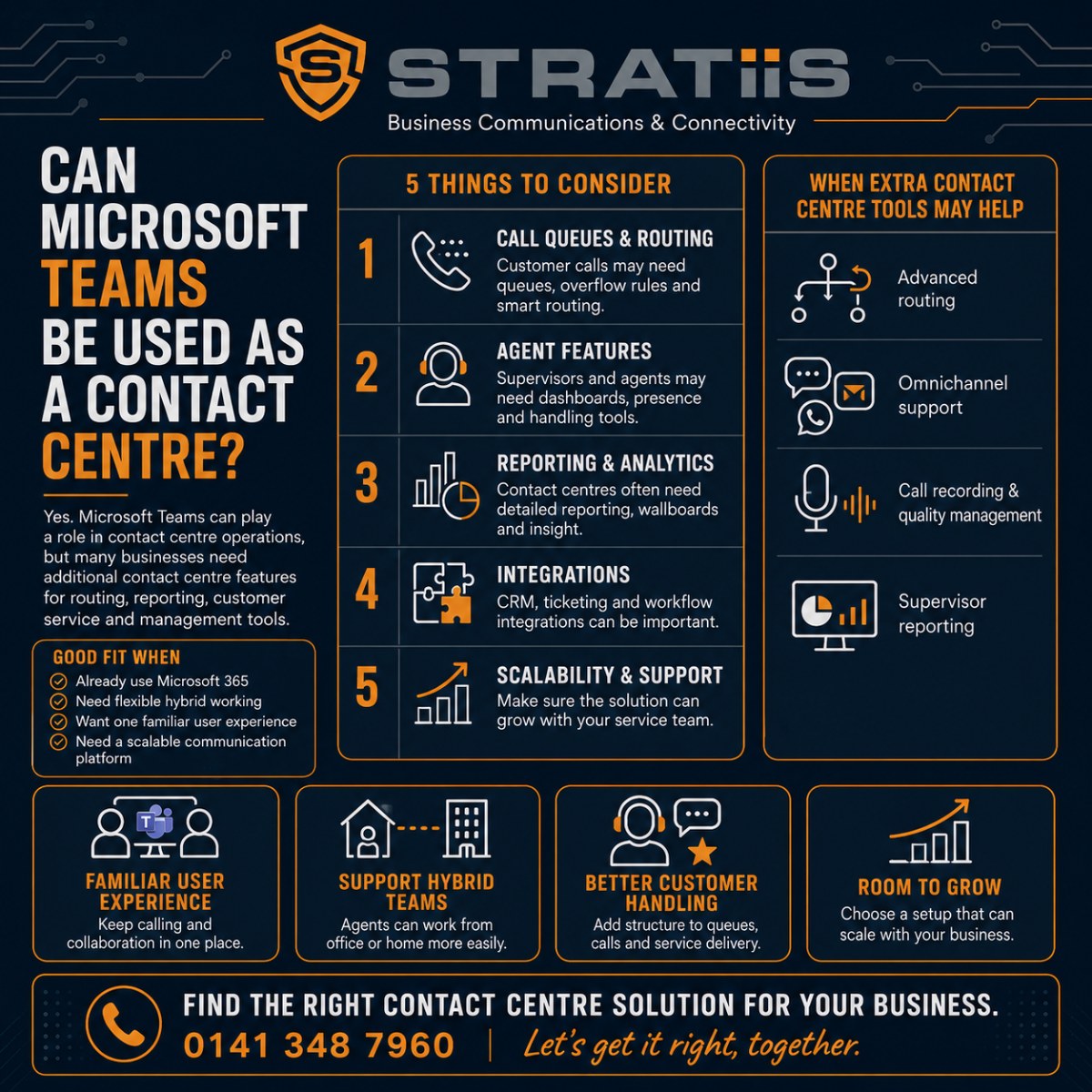
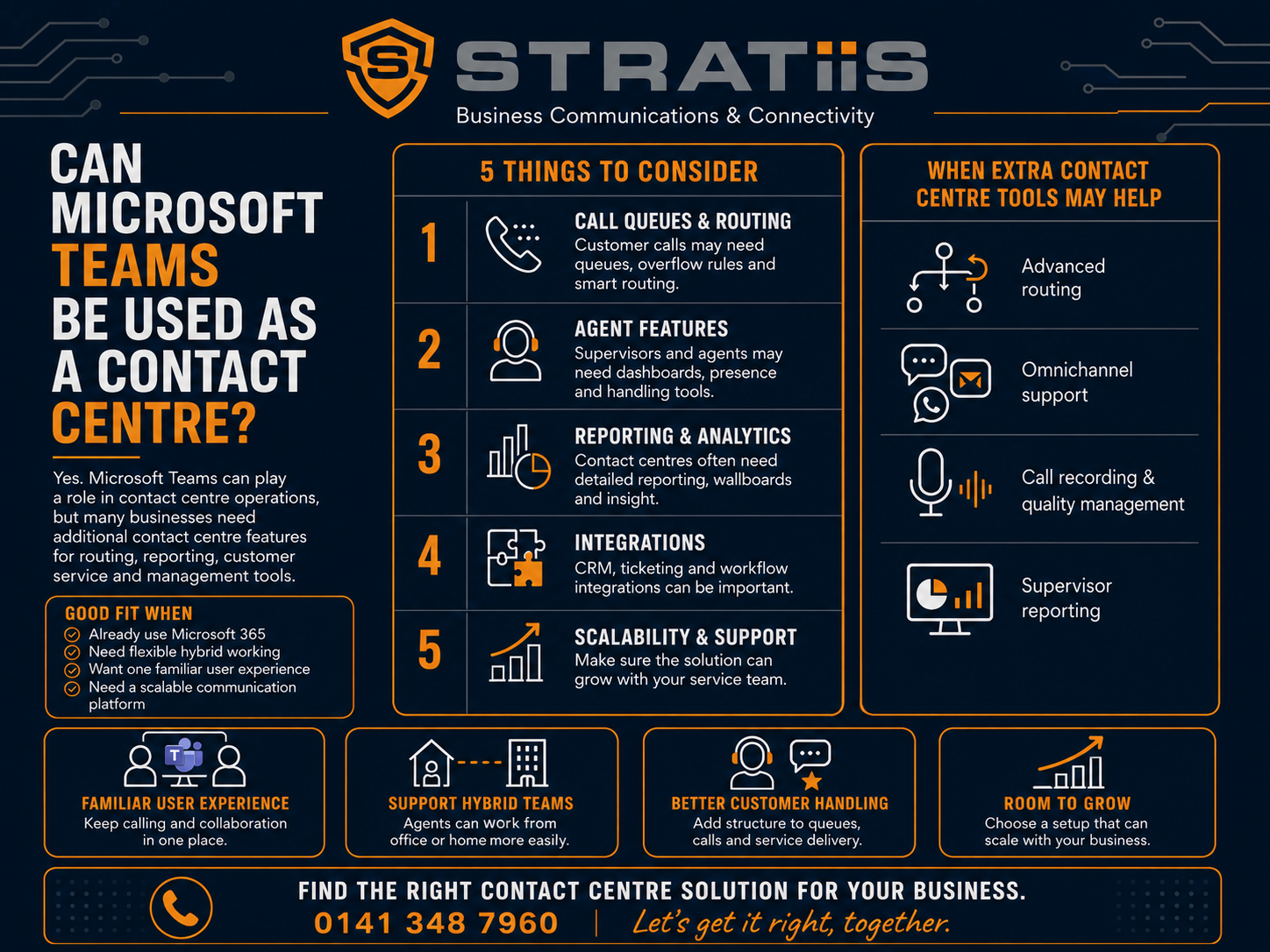
Yes, Microsoft Teams can be used as a contact centre for straightforward voice requirements. Teams Phone, Auto Attendants and Call Queues can give a small customer service team a shared number, menus, call routing, hold music, voicemail and basic reporting. Organisations with complex routing, formal service levels, omnichannel conversations or advanced quality controls will usually need a specialist contact centre integrated with Teams.
Can Microsoft Teams work as a contact centre?
Teams Phone is often suitable for reception, sales enquiries, accounts and smaller support teams that mainly handle calls. It becomes the communications foundation for a specialist platform when the business needs advanced skills based routing, structured callbacks, live supervisor dashboards, workforce planning, CRM led workflows, call quality management or customer email, chat, SMS and WhatsApp.
In this guide
START WITH THE CUSTOMER JOURNEY
Should You Use Teams Phone or a Contact Centre?
| Requirement | Teams Phone may be enough | Specialist contact centre is likely |
|---|---|---|
| Team and call flow | A small team, one or two queues and straightforward routing. | Several teams, skills, priorities, sites or complex customer journeys. |
| Customer channels | Voice is the main channel. | Voice, email, chat, SMS, WhatsApp or social messaging must be managed together. |
| Management information | Basic answered, missed and queue reporting is sufficient. | Live service levels, wait times, occupancy, outcomes and detailed operational reporting are required. |
| Quality and workforce | Informal coaching and simple rotas are adequate. | Recording review, scoring, forecasting, scheduling and real time adherence are required. |
| Business systems | CRM integration is limited or unnecessary. | Customer records, cases, outcomes and follow up must form one controlled workflow. |
UNDERSTAND THE BUILDING BLOCKS
What Does Microsoft Teams Provide?
Teams Phone
Adds external business calling, telephone numbers, voicemail, transfers and calling through computers, mobiles or compatible desk phones.
Auto Attendants
Answer calls, play greetings and route customers by menu choice, business hours, public holidays, directory search or operator selection.
Call Queues
Distribute incoming calls to a group, play hold music, apply routing rules and send overflow or unanswered calls elsewhere.
Queue handling
Allow authorised users to answer a shared number, opt in or out, make calls using the queue identity and review shared call history.
Basic reporting
Provide historical information about Auto Attendants, queues, answered and abandoned calls and agent activity, subject to licensing and configuration.
Flexible working
Let approved employees answer from the office, home or another location using the same Microsoft identity and collaboration environment.
Explore the wider telephony service on our Microsoft Teams Phone page.
KEEP SIMPLE REQUIREMENTS SIMPLE
When Is Microsoft Teams Phone Enough?
Teams Phone can be a practical contact centre for a small or less complex voice operation. The strongest fit is a business already using Microsoft Teams where calls can be answered by any suitably trained team member and management does not need a specialised customer service workspace.
Approximately three to ten employees handle a modest volume of incoming calls.
Reception, sales, accounts, repairs or a support desk need clearly separated numbers and routing.
Email, chat and messaging do not need to be queued and measured alongside calls.
Most calls can go to the next available employee without complex proficiency rules.
Answered, missed and abandoned call information gives managers enough visibility.
The team does not need every interaction to update a CRM or case management workflow automatically.
A well designed setup might publish one number, play a short welcome message, send calls to five employees, divert to voicemail out of hours and provide basic queue reports. That can meet the requirement without buying a separate contact centre platform.
KNOW WHEN TO EXTEND TEAMS
When Is Teams Phone Alone Not Enough?
Teams Phone is strongest at
Business calling, internal collaboration, presence, remote working, Microsoft identity and connecting customer service employees with the wider organisation.
A contact centre is strongest at
Customer routing, queue management, service levels, supervisor controls, quality, workforce planning, omnichannel interactions and CRM led workflows.
Calls must follow customer status, language, product, case type, priority or agent proficiency.
Customers keep a queue position and every promised callback becomes a tracked agent task.
Supervisors need live wait times, longest wait, service levels, occupancy and outstanding work.
Calls require automatic recording, evaluation forms, scoring, coaching, redaction or speech analytics.
Managers forecast demand, schedule shifts and track real time adherence.
Email, web chat, SMS, WhatsApp and voice must share routing, ownership and customer history.
Compare the platforms in Contact Centre vs Hosted Phone System.
CHOOSE THE RIGHT MICROSOFT MODEL
What Contact Centre Options Work With Teams?
Teams Phone only
Auto Attendants and Call Queues provide shared voice handling for straightforward teams.
Certified integration
A third party contact centre adds specialist routing, reporting and agent tools while connecting to Teams Phone and Teams users.
Dynamics 365
Dynamics 365 Contact Centre supports voice and digital customer engagement with closer Microsoft and CRM alignment.
A certified contact centre may place the agent interface inside Teams, in a browser, in a desktop application or within the CRM. The supplier should demonstrate the actual workflow, including transfers to ordinary Teams users, shared presence, recording ownership, reports and what happens if either platform is unavailable.
TEST THE OPERATIONAL DETAIL
How Do Reporting, Recording and CRM Work?
| Area | Questions the design should answer |
|---|---|
| Queue reporting | Can managers see received, answered and abandoned calls, wait times, agent activity and service level performance? |
| Supervisor control | Are silent monitoring, whisper, joining a call, queue control and coaching records required? |
| Recording | Is recording automatic, searchable, role restricted, retained correctly and linked to the customer or case? |
| CRM | Will the system identify the customer, open the record, log the interaction, capture an outcome and create follow up work? |
| Digital channels | Are customer email, chat and messaging queued, assigned, timed, escalated and retained with the wider history? |
| Ownership | Which supplier supports Microsoft, public telephone connectivity, the contact centre, CRM, numbers and recording? |
Organisations with compliance or quality requirements should review Call Recording, Analytics and Compliance.
DESIGN FOR REAL WORKING CONDITIONS
Can Teams Support Remote Agents and Business Continuity?
Teams Phone and cloud contact centre platforms can support employees in an office, at home or at another approved location. The complete arrangement still depends on secure identity, a suitable computer, a professional headset, a stable connection, CRM access, screen privacy and effective remote support.
Connection quality
Voice relies on low packet loss, latency and jitter. Good upload performance, Wi-Fi, firewall configuration and device health all matter.
Internet failure
Use automatic failover, another office, approved home working, mobile diversion or alternative queue routing for critical services.
Platform outage
Define whether calls divert, agents use another interface, another site continues or customers receive an emergency message.
Customer protection
Address recording, payment handling, confidential conversations, home networks and the security of customer information.
Review Internet Failover, Business Connectivity and Field and Hybrid Working.
COMPARE THE COMPLETE COST
How Much Does a Teams Contact Centre Cost?
| Solution level | Typical cost components |
|---|---|
| Basic Teams queue | Teams Phone licences, public telephone connectivity, numbers, calls, configuration, optional enhanced queue tools and support. |
| Specialist voice contact centre | Teams Phone where required, contact centre licences, implementation, telephony, recording, reporting, CRM integration and support. |
| Omnichannel or advanced service | Voice and digital licences, messaging usage, quality, workforce tools, analytics, AI, storage, integration and ongoing management. |
For broad UK planning, specialist contact centre licences may range from approximately £40–£90 per agent per month for voice focused functions, £70–£150 for omnichannel and £100–£200 or more with workforce management, analytics and AI. Pricing varies by supplier, contract and usage.
The lowest licence price may provide poor value if staff then rely on spreadsheets for callbacks, manual CRM updates, separate recording tools or incomplete reports. Use the detailed guide How Much Does a Cloud Contact Centre Cost? to build a complete budget.
ASK FOR A WORKING DEMONSTRATION
What Should You Ask a Teams Contact Centre Provider?
Can Teams Phone meet the requirement?
Ask which needs are covered by Auto Attendants and Call Queues and which genuinely require another platform.
Which licences and services are required?
Confirm Microsoft licences, public telephone connectivity, contact centre seats, supervisors, channels, recording, AI and storage.
How will customers be routed?
Review menus, queues, skills, priorities, hours, overflow, callbacks, voicemail and emergency arrangements.
What can managers measure?
Ask for a live demonstration of dashboards, abandoned calls, service levels, reports, quality and workforce tools.
How does it connect?
Test transfers to Teams users, presence, CRM screen pop, call logging, recording and customer follow up.
Who owns support and continuity?
Define responsibility for Microsoft, carrier, numbers, contact centre, CRM, connectivity and outages.
FREQUENTLY ASKED QUESTIONS
Questions About Microsoft Teams Contact Centres
Is Teams Phone a real contact centre?
It can act as a small voice contact centre through Auto Attendants and Call Queues. It is primarily a business telephone and collaboration platform rather than a complete customer service operation.
Can Teams provide skills based routing?
Teams can distribute calls through configured queues and agent groups. Detailed routing by language, customer, case, proficiency or service priority usually requires a specialist platform.
Can Teams record contact centre calls?
Recording is possible, but user initiated, compliance and contact centre quality recording serve different purposes. The design must cover automation, search, access, retention and redaction.
Can Teams manage email and web chat?
Teams supports internal collaboration. Managing external email, chat, SMS and WhatsApp as measured customer work normally requires an omnichannel contact centre.
Does every employee need a contact centre licence?
No. Customer service agents and supervisors can use specialist licences while the wider organisation remains on Teams Phone for ordinary business calling.
Can we start with Teams and add a contact centre later?
Yes. A business can begin with Teams Phone and basic queues, review service performance and add a certified platform for selected teams when requirements become clearer.
Need Help Choosing the Right Teams Contact Centre?
Stratiis can review your Microsoft 365 environment, call volumes, queues, customer journeys, CRM, recording, connectivity and resilience, then recommend the simplest design that meets the service requirement.
Microsoft licensing, capabilities and prices can change. All prices are indicative, exclude VAT and may not include public telephone connectivity, calls, implementation, support or third party services. Obtain a current quotation for your requirements.


