
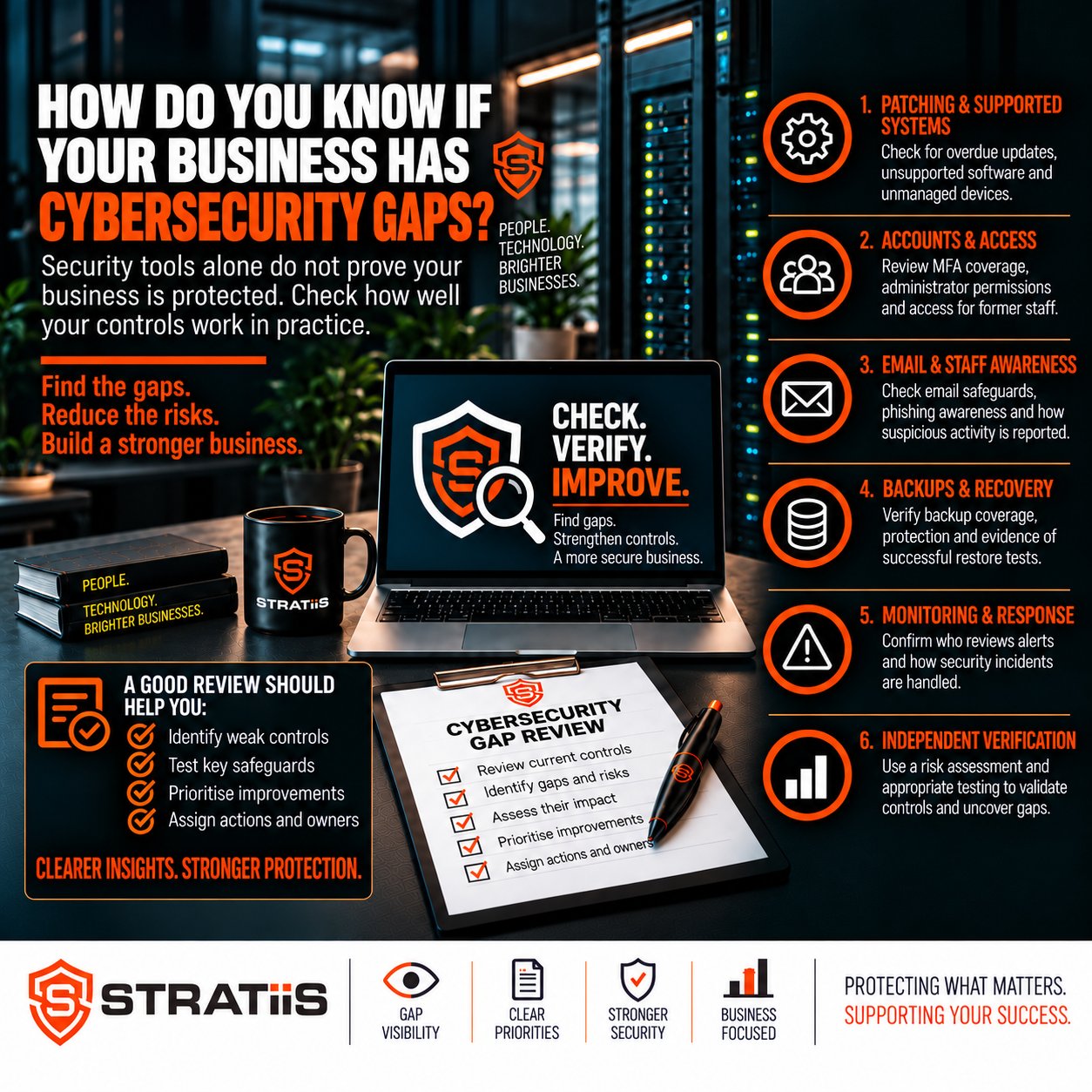
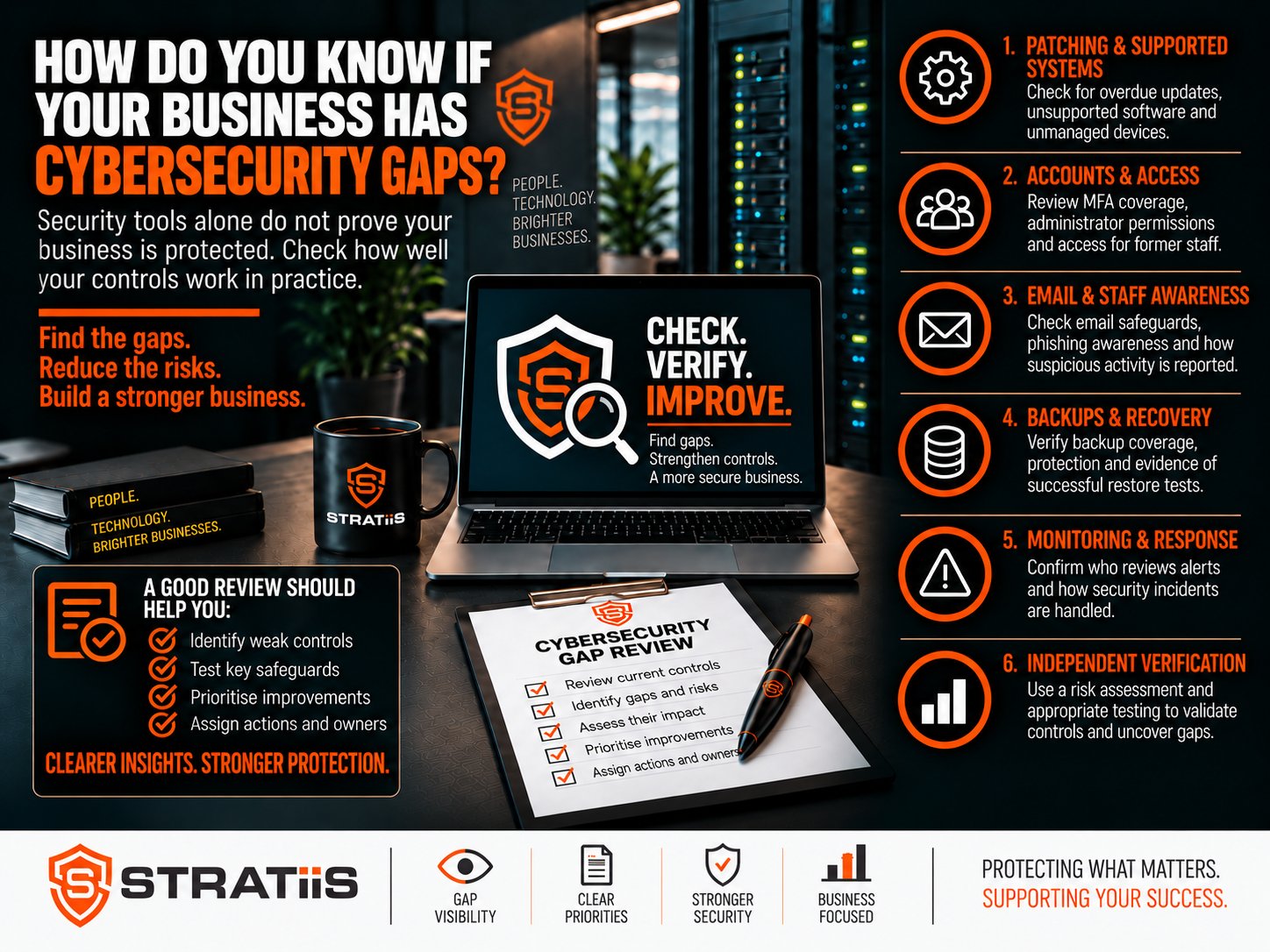
Many businesses assume they are reasonably secure because they have antivirus, Microsoft 365, a firewall and backups. But cybersecurity gaps are often not obvious.
A business can appear well protected while still having weaknesses in identity, devices, cloud services, monitoring, recovery or day-to-day processes. These gaps may remain hidden until an incident exposes them.
How do you know if your business has cybersecurity gaps?
Look systematically across people, devices, accounts, cloud services, email, backups, suppliers, monitoring and recovery. Warning signs include missing multi-factor authentication, unsupported devices, old administrator accounts, unmonitored alerts, untested backups and no clear incident-response plan.
In this guide
What Is a Cybersecurity Gap?
A cybersecurity gap is an area where the protection in place does not adequately address the business risk. A control may be missing, poorly configured, inconsistently followed or left without an owner.
Technical gap
A control is missing or ineffective
Examples include an unsupported server, missing security updates, weak email authentication or an exposed remote-access service.
Operational gap
The process around the control is weak
Examples include nobody monitoring alerts, leaver accounts remaining active or backups completing without restore testing.
Having endpoint security installed but nobody responding to its alerts can still represent a cybersecurity gap. Policies also provide limited protection when everyday practice does not match what the document says.
Six Areas Where Cybersecurity Gaps Commonly Hide
The original warning signs can be assessed more clearly by grouping them around the business outcomes they affect.
01
Assets and lifecycle
You lack an accurate inventory, unsupported systems remain in use, patching is inconsistent, firewall rules are not reviewed or vulnerability scanning is absent.
02
Identity and access
MFA is incomplete, administrator access is excessive, former employees retain accounts, permissions are rarely reviewed or remote and supplier access lacks control.
03
Devices and monitoring
The business relies on basic antivirus, alerts have no response owner, laptops are not encrypted, users have local administrator rights or remote devices fall outside management.
04
Microsoft 365 and email
Microsoft 365 settings have never been reviewed, privileged roles are unclear, email protection is basic, guest access is unmanaged or SPF, DKIM and DMARC are incomplete.
05
Backup and recovery
Backups have not been restored in a test, Microsoft 365 recovery requirements are unclear, or disaster-recovery and incident-response plans are missing or untested.
06
People and governance
Training is irregular, phishing resilience is not tested, supplier risk is unknown, AI use lacks guidance, directors receive no clear reporting or risks are not prioritised.
A Quick Cybersecurity Gap Checklist
If you answer “no” or “not sure” to several of these questions, a structured cybersecurity assessment may be worthwhile.
You do not need every answer to be perfect. But the organisation should know the answer, the associated risk and who owns the improvement.
How Can You Identify Cybersecurity Gaps Properly?
No single security product or scanning tool provides a complete picture. A useful review combines technical evidence with business context.
TECH
Technical review
Assess devices, networks, configurations, security tools, remote access and cloud services.
SCAN
Vulnerability scanning
Identify missing updates, exposed services, unsupported software, misconfigurations and known weaknesses.
M365
Microsoft 365 assessment
Review identity, MFA, Conditional Access, privileged roles, external sharing, forwarding and risky sign-ins.
PROC
Policy and process review
Check joiners, movers, leavers, incident response, backup testing, supplier access and staff guidance.
RISK
Business-risk discussion
Identify the systems, data, suppliers and operational processes that matter most to the organisation.
PLAN
Prioritised roadmap
Turn findings into actions with owners, timescales and priorities based on likelihood and business impact.
Cybersecurity Gap Assessment, Vulnerability Scan or Penetration Test?
These activities answer different questions and may complement one another.
| Activity | Primary purpose | Typical scope |
|---|---|---|
| Cybersecurity gap assessment | Find where current protection does not adequately address business risk. | Technology, people, processes, cloud services, security controls, suppliers and governance. |
| Vulnerability scanning | Identify known technical weaknesses that require investigation or remediation. | Missing patches, exposed services, unsupported software, misconfiguration and known vulnerabilities. |
| Penetration testing | Test whether selected systems can be exploited under an agreed scope. | Specific applications, networks, external services or defined technical environments. |
A vulnerability is usually a specific technical weakness. A cybersecurity gap can be wider, such as having no incident-response plan, no alert monitoring, an inconsistent leaver process or no evidence that backups can be restored.
What Should Happen After Cybersecurity Gaps Are Found?
Do not treat every finding as equally urgent. Prioritise according to exposure, likelihood and the operational consequences for the business.
Immediate
Reduce urgent exposure
Protect administrator accounts, enforce MFA, resolve failed backups, address critical vulnerabilities and secure exposed remote access.
Short term
Strengthen core controls
Improve endpoint detection, email security, Microsoft 365 configuration, patching and unsupported devices.
How Often Should You Look for Cybersecurity Gaps?
For most small and mid-sized businesses, a formal cybersecurity risk assessment should take place at least annually. Higher-risk or rapidly changing organisations may benefit from more frequent reviews.
The assessment should also be reconsidered after major technology changes, significant growth, new offices, mergers or acquisitions, cyber incidents or a change of IT provider. Read more in How Often Should a Business Carry Out a Cybersecurity Risk Assessment?
Do Cyber Essentials or an MSP Mean You Have No Gaps?
Cyber Essentials
A valuable security baseline
Certification addresses important controls, but risks may remain around backup, email security, suppliers, Microsoft 365, incident response, continuity and monitoring.
Managed IT provider
Coverage depends on the agreement
Ask what is included, who monitors alerts, whether EDR and email security are managed, how vulnerabilities are handled and whether recovery is tested.
Do not assume everything is covered simply because IT is outsourced. Responsibilities, exclusions and evidence should be clear.
Arrange a Managed IT and Cybersecurity Review
Stratiis helps organisations across Scotland identify practical gaps across users, devices, Microsoft 365, email, backup, networks, vulnerabilities and business continuity.
Call 0141 348 7960 to discuss your requirements.


