
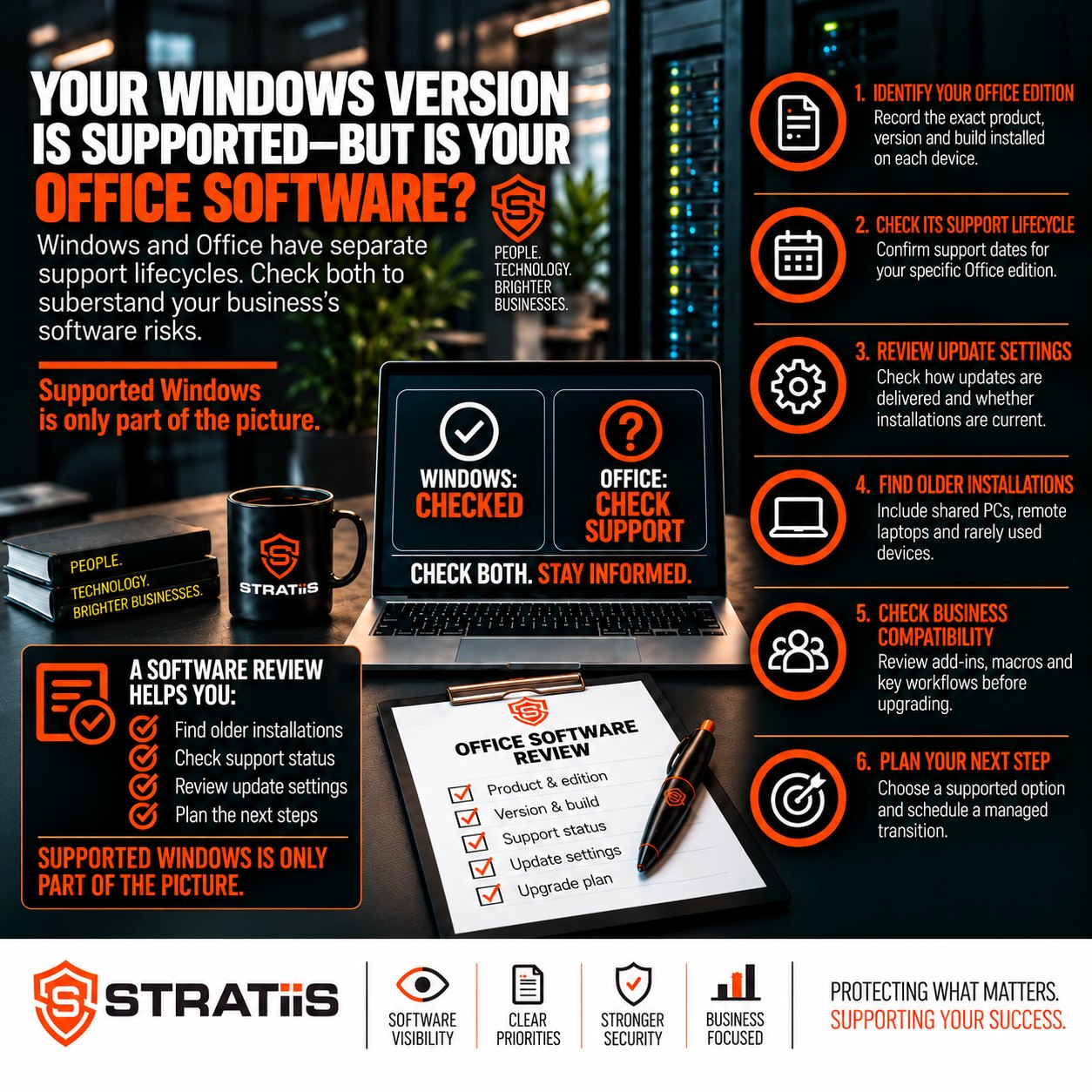
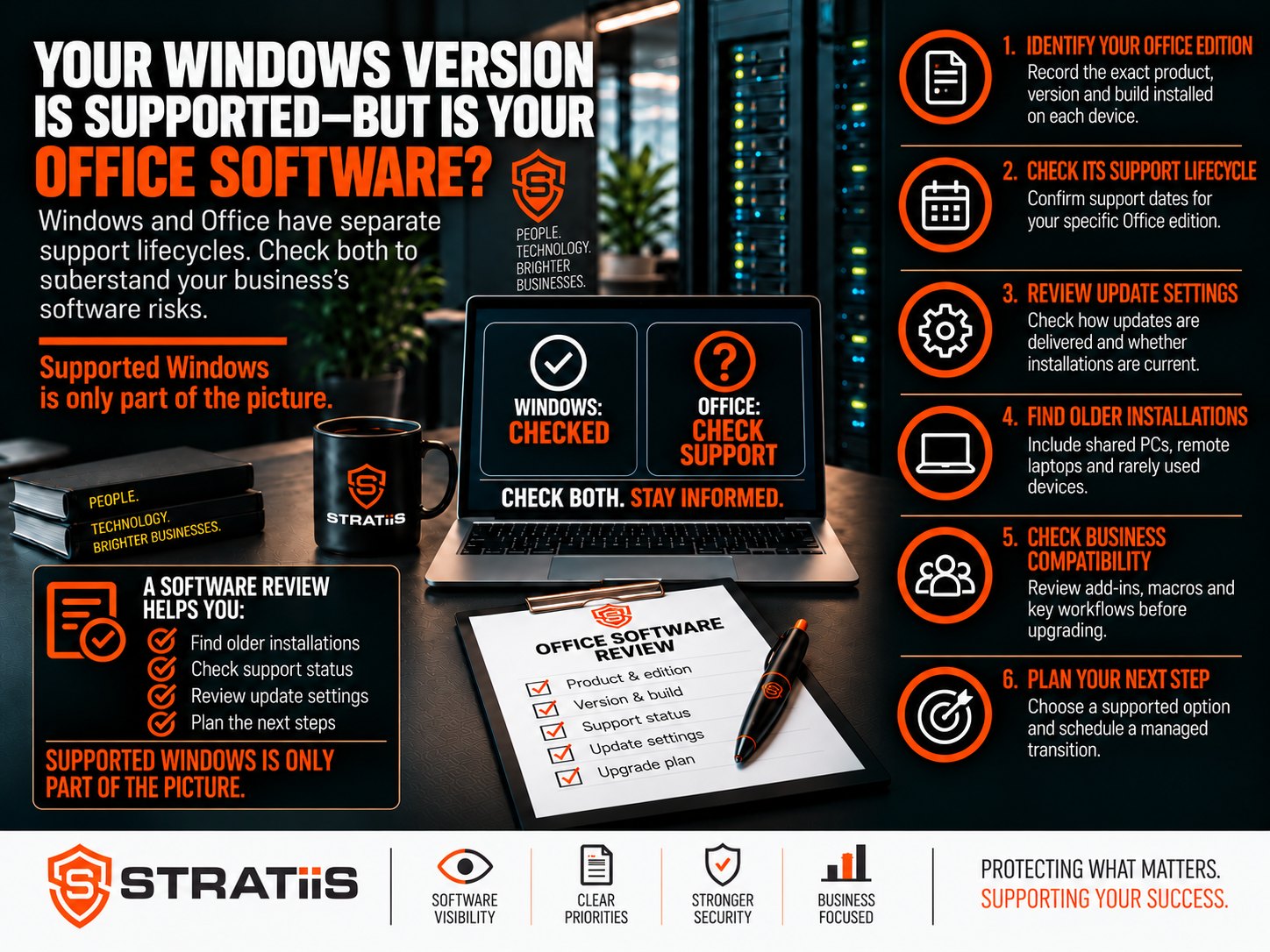
A supported version of Windows does not automatically mean your Microsoft Office software is supported. Windows and Office have separate lifecycles, so a computer can continue receiving operating system security updates while Word, Excel, PowerPoint or Outlook has already reached end of support.
For businesses across Glasgow and Scotland, this is an easy gap to miss after a Windows upgrade or hardware refresh. Office may still open and documents may look normal, but that does not confirm the software is still receiving security fixes.
How do you know whether Microsoft Office is still supported?
Check the exact Office product, edition, version and build installed on every business device, then compare them with Microsoft’s published lifecycle information. Office 2016, Office 2019, Office 2021 and Office LTSC 2021 are out of support as of 19 October 2026. Microsoft 365 Apps remains supported only when it is kept current and used with a supported operating system configuration.
In this guide
Why Do Windows and Office Need Separate Checks?
Windows runs the computer. Microsoft Office provides applications such as Word, Excel, PowerPoint and Outlook. Updating Windows does not automatically replace an older Office installation or extend its support period.
Windows lifecycle
Check the operating system release
Confirm the Windows edition, feature release and support deadline on each device. Even Windows 11 releases have different end-of-support dates.
Office lifecycle
Check the installed productivity suite
Record the Office product, edition, version, architecture and build. A supported Windows device can still contain an unsupported Office installation.
Consider a 25-person engineering business that moves its computers to a supported Windows 11 release but retains Office 2019. Its Windows migration may be complete, yet its Office software remains out of support. The same gap can exist on spare laptops, shared reception PCs and home-working devices.
For the operating-system side of the review, see Is Your Business Windows 11 Version Still Supported?
Which Office Versions Have Reached End of Support?
The dates below apply to the named Windows desktop Office products. Always verify the precise edition and operating-system combination against Microsoft’s current lifecycle information. [1–5]
| Office product | Support ended or ends | Position on 19 October 2026 |
|---|---|---|
| Office 2016 and Office 2019 | 14 October 2025 | Out of support |
| Office 2021 and Office LTSC 2021 | 13 October 2026 | Out of support |
| Office 2024 and Office LTSC 2024 | 9 October 2029 | Within product lifecycle; configuration still matters |
Why Can Office Software That Still Works Create Risk?
End of support does not normally make Office stop working overnight. It means the product no longer receives the normal security updates and vendor support that help keep it suitable for business use. Microsoft confirms that there is no Extended Security Updates programme for Office 2021. [1]
01
Security exposure
A vulnerability discovered after support ends may remain without a vendor fix. Office regularly handles attachments, downloaded documents and files shared by customers and suppliers.
02
Compatibility problems
Older applications can encounter issues with current add-ins, document features, authentication methods and connected services, making faults harder to resolve.
03
Assurance gaps
Unsupported software can weaken security reviews, Cyber Essentials preparation, customer assurance and evidence that technology risks are being managed.
Antivirus, endpoint protection and email filtering can reduce risk, but they cannot patch an unsupported Office application. Backups support recovery; they do not correct the underlying vulnerability. Stratiis can connect software lifecycle work with wider cybersecurity services and backup and disaster recovery.
Does a Microsoft 365 Subscription Mean Every PC Is Current?
No. A business can use Microsoft 365 for email while employees continue using an older, separately purchased version of Outlook or Office. You need to check both what the organisation’s subscriptions include and what is installed on each device.
Subscription entitlement
What the licence provides
Microsoft 365 Business Basic includes web and mobile apps rather than the traditional desktop suite. Other plans can include desktop apps and provide an upgrade route.
Installed software
What the user is actually running
The correct apps must still be deployed, activated and maintained. Old perpetual Office products can remain installed even when the organisation owns newer rights.
Before purchasing more licences, review existing entitlements and user requirements. Some roles may only need browser-based apps, while others depend on desktop Outlook, Excel features, macros or specialist add-ins. Compare the wider options in Microsoft 365 Business Premium vs E5 and explore Microsoft 365 services.
How Do You Check the Installed Office Version?
On an individual Windows PC, open Word or Excel and choose File, then Account. Under Product Information, record the product name. Select About Word or About Excel to see the version, build and whether it is 32-bit or 64-bit. Menu wording can vary between versions. [7]
For a business with 10–100 users, a central software inventory is more dependable than asking each person to check manually.
A reliable inventory should connect every installation with its device, user, licence, support status and required action. This can form part of a wider workstation and lifecycle review.
How Should a Business Plan Its Office Upgrade?
Choose the replacement after understanding how people use Office. Microsoft 365 Apps may suit teams that need regularly updated desktop software and cloud collaboration. A suitable Office 2024 or Office LTSC 2024 edition may fit specific requirements, subject to licensing, deployment rights and system compatibility.
Discover
Identify every Office installation, version, device, user and business dependency.
Choose
Confirm existing entitlements and select the right replacement for each user group.
Test
Check critical documents, macros, add-ins, Outlook integrations, Access databases and exports.
Pilot
Protect relevant files and settings, then deploy to a representative group before wider rollout.
Deploy
Schedule the remaining upgrades, remove obsolete installations and minimise disruption.
Verify
Confirm activation, update status, business application compatibility and complete coverage.
A move from 32-bit to 64-bit Office can affect older components. Test Excel macros, finance-system exports, document-management add-ins, Outlook integrations and Access databases before a broad deployment. If a dependency prevents an immediate upgrade, document the reason, apply proportionate temporary controls and set a replacement deadline.
What Evidence Should You Request From Your IT Provider?
Ask for a report that shows the Office product and build on each device, its support position, the associated licence and the proposed action. Include Windows support status in the same review so gaps in either layer are visible.
| Evidence | What it should show | Why it matters |
|---|---|---|
| Software inventory | Office product, version, build and architecture by device | Finds unsupported and inconsistent installations |
| Licence position | Subscription or perpetual entitlement linked to each user or device | Avoids unnecessary purchasing and activation gaps |
| Compatibility record | Critical add-ins, macros, applications and test results | Reduces disruption during deployment |
| Remediation plan | Owner, action, priority, target date and exceptions | Turns the review into accountable improvement work |
Repeat the review regularly and include replacement costs in the technology plan. A one-off upgrade resolves today’s gap; ongoing inventory, patching and lifecycle management reduce the chance of it returning. This work can be delivered through managed IT support or alongside an internal team through co-managed IT support.
Microsoft Office Support: Frequently Asked Questions
Will unsupported Office software stop working?
It will not normally stop on the support deadline. The key change is that Microsoft no longer provides the normal security updates and product support, increasing risk over time.
Is Office 2021 still supported?
No. Office 2021 and Office LTSC 2021 reached end of support on 13 October 2026.
Does Microsoft 365 Business Basic include desktop Office apps?
Business Basic provides web and mobile Office apps. Organisations that need installed desktop applications should review a plan or licence that includes them.
Can antivirus protect unsupported Office?
Security tools can reduce some risks, but they cannot supply a missing Microsoft security update for an unsupported Office application.
Should Office and Windows be reviewed together?
Yes. Each has its own lifecycle, but together they form the working environment on the device. A useful review reports the support position of both.
Plan your next step
Review Windows and Office Support Across Your Business
Stratiis helps organisations across Glasgow and Scotland identify unsupported software, clarify licensing, test business dependencies and deliver a controlled upgrade.
Call 0141 348 7960 to discuss your requirements.
Related Microsoft 365, IT Support and Security Guidance
Sources
Microsoft sources checked on 19 October 2026. Bracketed references in the article correspond to the links below. Support dates use Microsoft’s published calendar dates; lifecycle pages may display converted timestamps.
- Microsoft Support — End of support for Office 2021
- Microsoft Lifecycle — Office LTSC 2021
- Microsoft — Office 2016 and Office 2019 upgrade options
- Microsoft Lifecycle — Office 2024
- Microsoft Lifecycle — Office LTSC 2024
- Microsoft — Microsoft 365 business plans
- Microsoft Support — What version of Office am I using?


