
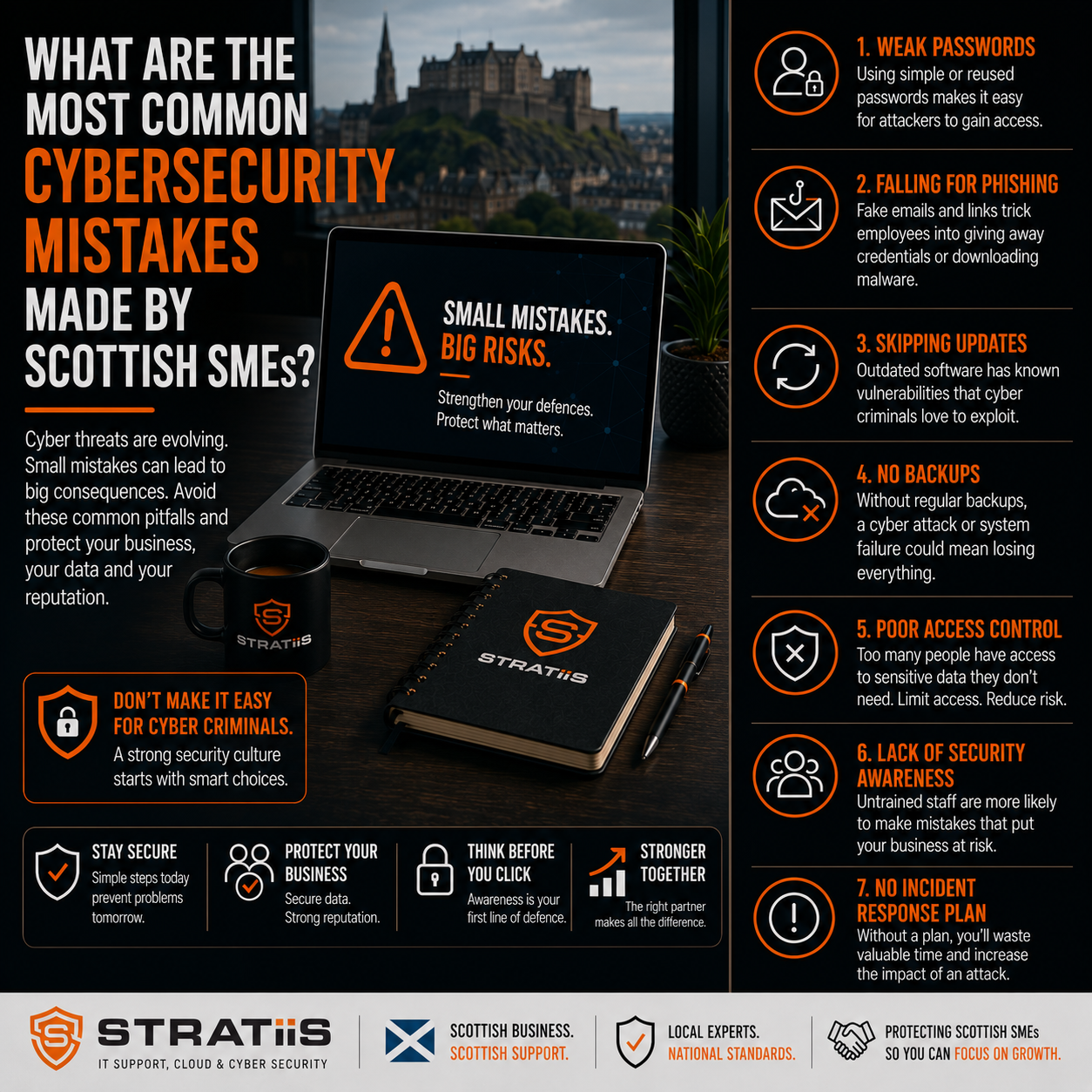
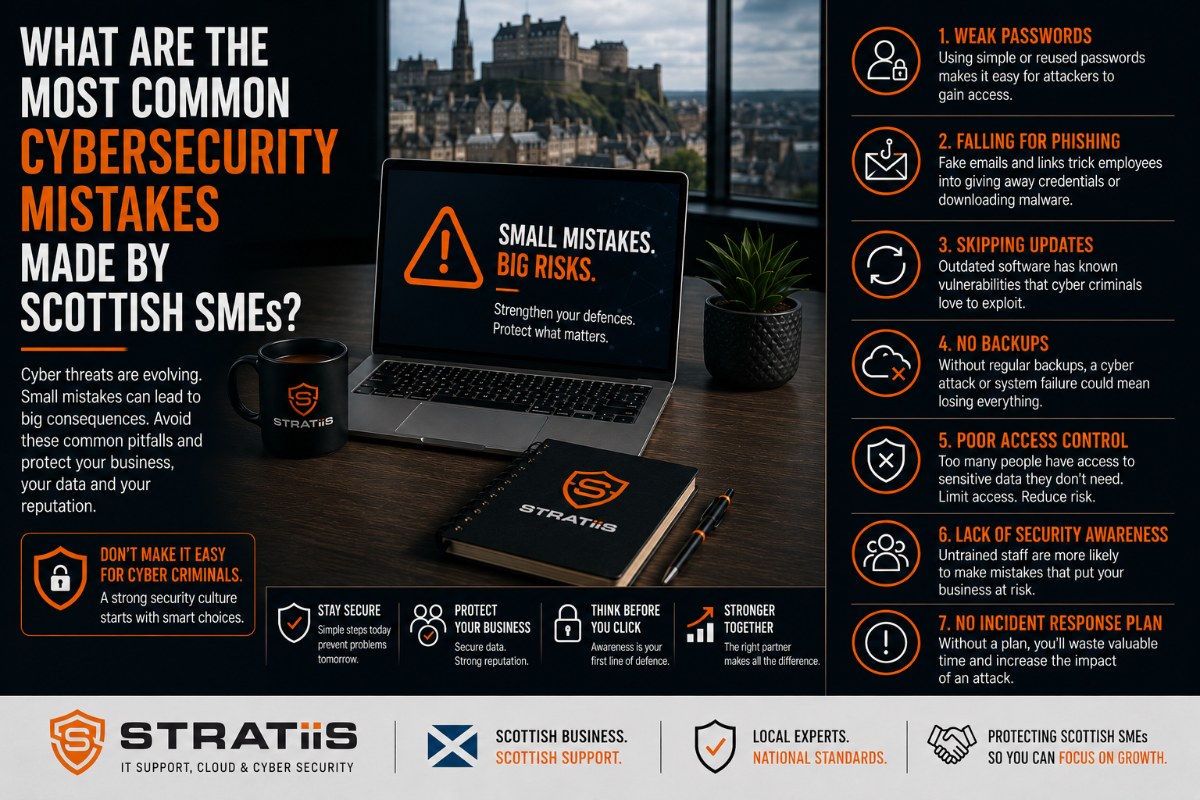
Cybersecurity is no longer just a concern for large corporations.
Today, small and medium-sized businesses across Scotland are regularly targeted by cybercriminals looking to exploit weaknesses in technology, processes, and human behaviour.
Whether you're a law firm in Edinburgh, a charity in Glasgow, a manufacturer in Lanarkshire, or an engineering company in Perthshire, cyber threats have become a business risk that cannot be ignored.
The good news is that many cyberattacks are preventable.
The bad news is that many successful attacks occur because organisations continue to make the same avoidable mistakes.
In this guide, we'll explore the ten most common cybersecurity mistakes made by Scottish SMEs and explain how businesses can reduce risk without unnecessary complexity or expense.
Why SMEs Are Increasingly Being Targeted
Many business owners assume cybercriminals focus on large organisations.
In reality, SMEs are often viewed as attractive targets because they:
- Hold valuable business data
- Have limited internal IT resources
- Often lack dedicated cybersecurity expertise
- May have inconsistent security controls
- Frequently underestimate cyber risk
Modern cyberattacks are increasingly automated, meaning businesses of all sizes can become targets.
The question is not whether cybercriminals will attempt an attack.
The question is whether your organisation is prepared.
Mistake #1: Not Enabling Multi-Factor Authentication
Multi-Factor Authentication (MFA) remains one of the most effective cybersecurity controls available.
Yet many SMEs still rely solely on usernames and passwords.
Why This Is Dangerous
Passwords can be:
- Stolen
- Reused
- Guessed
- Purchased on the dark web
Once an attacker gains access to an email account or Microsoft 365 account, significant damage can occur.
What Good Looks Like
MFA should be enabled for:
- Microsoft 365
- Email accounts
- Remote access systems
- Cloud applications
- Administrative accounts
For most businesses, enabling MFA provides one of the biggest cybersecurity improvements available.
Mistake #2: Believing Antivirus Software Is Enough
Traditional antivirus software was once a primary security control.
Today, cyber threats are far more sophisticated.
Modern attacks often involve:
- Ransomware
- Credential theft
- Phishing attacks
- Fileless malware
- Business email compromise
What Good Looks Like
Businesses should implement:
- Endpoint protection
- Threat detection
- Device monitoring
- Security management
Cybersecurity requires multiple layers of protection.
Mistake #3: Failing to Train Employees
Cybercriminals often target people rather than technology.
Many successful attacks begin with:
- Phishing emails
- Fake invoices
- Social engineering
- Malicious links
Why It Matters
Employees are frequently the first line of defence.
What Good Looks Like
Provide:
- Quarterly security awareness training
- Phishing simulations
- Incident reporting guidance
- Password security education
Well-informed employees significantly reduce cyber risk.
Mistake #4: Ignoring Software Updates
Many cyberattacks exploit vulnerabilities that already have available security patches.
Unfortunately, updates are often delayed because organisations fear disruption.
Commonly Affected Systems
- Windows devices
- Microsoft 365 applications
- Firewalls
- Network equipment
- Third-party software
What Good Looks Like
Implement structured patch management processes and ensure updates are applied promptly.
Mistake #5: Weak Backup and Recovery Processes
Many businesses believe they have backups.
Far fewer have tested them.
Questions Every SME Should Ask
- Are backups running successfully?
- Have backups been tested recently?
- How quickly could systems be restored?
- Are backups protected from ransomware?
What Good Looks Like
✓ Automated backups
✓ Offsite backups
✓ Recovery testing
✓ Business continuity planning
A backup that cannot be restored offers little protection.
Mistake #6: Giving Too Many People Administrator Access
Many organisations grant elevated permissions for convenience.
Unfortunately, excessive privileges increase risk.
Potential Consequences
- Accidental changes
- Malware spread
- Ransomware escalation
- Unauthorised access
What Good Looks Like
Apply the principle of least privilege.
Users should only have access to systems and data required for their role.
Mistake #7: Poor Microsoft 365 Security Configuration
Many Scottish SMEs rely heavily on Microsoft 365.
However, a surprising number only use it for email and productivity tools.
Important security features are often left unused.
Commonly Overlooked Features
- Multi-Factor Authentication
- Conditional Access
- Microsoft Defender
- Device management
- Security reporting
What Good Looks Like
Regular Microsoft 365 security reviews and optimisation.
Many businesses already own security features they are not using.
Mistake #8: Treating Cybersecurity as an IT Problem
Cybersecurity is often delegated entirely to IT.
However, cybersecurity is a business risk.
It affects:
- Reputation
- Operations
- Customer trust
- Compliance
- Financial performance
What Good Looks Like
Business leaders should regularly discuss:
- Cybersecurity risks
- Incident response plans
- Business continuity
- Security investments
Cybersecurity should be part of organisational governance.
Mistake #9: Not Working Towards Cyber Essentials
Many businesses believe cybersecurity frameworks are only relevant for larger organisations.
Cyber Essentials provides a practical baseline that is particularly valuable for SMEs.
The Framework Covers
- Firewalls
- Secure configuration
- User access control
- Malware protection
- Security updates
Benefits
- Reduced cyber risk
- Improved customer confidence
- Better governance
- Competitive advantage in tenders
For many Scottish businesses, Cyber Essentials is an ideal starting point.
Mistake #10: Being Completely Reactive
Perhaps the most common mistake is waiting for a problem before taking action.
Examples include:
- Replacing hardware only after failure
- Reviewing security only after an incident
- Updating systems only when forced
- Testing backups only during emergencies
What Good Looks Like
A proactive approach that includes:
- Technology planning
- Security reviews
- Lifecycle management
- Strategic IT guidance
Prevention is almost always less expensive than recovery.
What Does Good Cybersecurity Look Like for an SME?
A well-protected business should typically have:
Identity Protection
✓ Multi-Factor Authentication
✓ Strong password policies
✓ Role-based access controls
Device Security
✓ Managed devices
✓ Endpoint protection
✓ Encryption
✓ Security updates
Data Protection
✓ Secure cloud storage
✓ Backup systems
✓ Controlled access
User Security
✓ Awareness training
✓ Phishing simulations
✓ Security policies
Governance
✓ Cyber Essentials readiness
✓ Incident response planning
✓ Regular risk reviews
These controls provide a strong and practical cybersecurity foundation.
Cybersecurity Self-Assessment Checklist
Answer the following questions:
| Question | Yes | No |
|---|---|---|
| Is MFA enabled for all users? | □ | □ |
| Are backups tested regularly? | □ | □ |
| Do employees receive security awareness training? | □ | □ |
| Is Microsoft 365 securely configured? | □ | □ |
| Do you have an incident response plan? | □ | □ |
| Have you completed a cybersecurity review in the last 12 months? | □ | □ |
| Are security updates applied promptly? | □ | □ |
Results
If you answered "No" to three or more questions, your organisation may have significant opportunities to improve its cybersecurity posture.
A Scottish SME with 50 Employees Supported by Stratiis
The Challenges They Had
- No Multi-Factor Authentication
- Limited security awareness training
- Outdated devices
- Inconsistent backup testing
The Improvements We Implemented
- MFA deployment
- EDR Rollout
- Security awareness training
- Device management
- Cyber Essentials preparation
Their Outcome
Benefits included:
- Reduced cyber risk
- Improved visibility
- Better compliance readiness
- Increased resilience
- Greater management confidence
The biggest improvements came from strengthening existing controls rather than purchasing additional products.
Top 10 Mistakes at a Glance
| Mistake | Risk Level |
|---|---|
| No MFA | High |
| Antivirus Only | High |
| No User Training | High |
| Missing Updates | High |
| Poor Backups | High |
| Excessive Admin Access | Medium |
| Weak Microsoft 365 Security | High |
| No Governance | Medium |
| No Cyber Essentials | Medium |
| Reactive IT Management | High |
Why Scottish Businesses Choose Stratiis
At Stratiis, we help organisations across Glasgow, Edinburgh, Lanarkshire, Ayrshire, Lothian, Dumfries & Galloway, and Perthshire reduce cyber risk through practical, business-focused cybersecurity strategies.
Our cybersecurity-first services include:
- Managed IT support
- Microsoft 365 security
- Endpoint protection
- Cyber Essentials readiness
- Security awareness training
- Backup and disaster recovery
- Device management
- Strategic vCIO services
We work with charities, law firms, engineering companies, manufacturers, housing associations, construction businesses, accountants, and other SMEs throughout Scotland.
Final Thoughts
Most cyber incidents affecting SMEs are not caused by sophisticated hacking techniques.
They are caused by preventable mistakes.
The most common cybersecurity weaknesses include:
- Missing Multi-Factor Authentication
- Poor employee awareness
- Weak backup processes
- Delayed updates
- Excessive user permissions
- Poor Microsoft 365 security configuration
The good news is that these issues can usually be addressed without major investment.
For most Scottish SMEs, improving cybersecurity is not about buying more technology.
It's about making better use of the technology, processes, and security controls already available.
The businesses that take a proactive approach today are far better positioned to avoid becoming tomorrow's cybersecurity headline.
Related Articles
What Cybersecurity Protections Does a 50-Person Business Actually Need?
What Cyber Essentials Requirements Apply to Scottish SMEs and Charities?
How Much Cybersecurity Protection Does a 50-Person Business Actually Need?
How Much Downtime Does Unmanaged IT Typically Cost a Business?


