
Cybersecurity can feel overwhelming for growing businesses.
Every week there seems to be a new threat, a new security product, or a new compliance requirement. Business owners are often left asking:
"What cybersecurity protections do we actually need?"
The answer is not "every security tool on the market."
However, it is also far more than antivirus software and strong passwords.
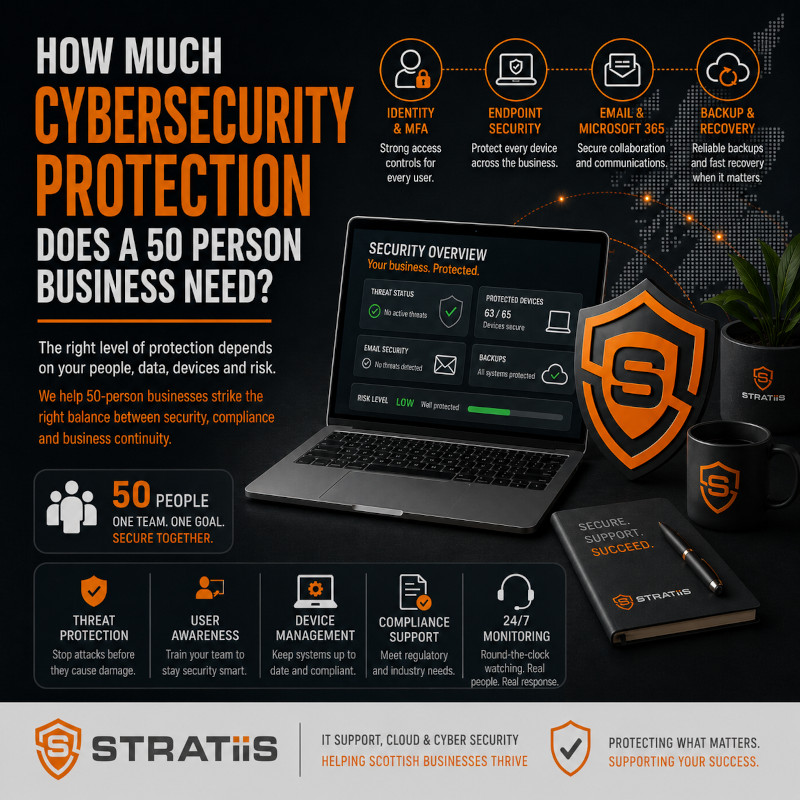
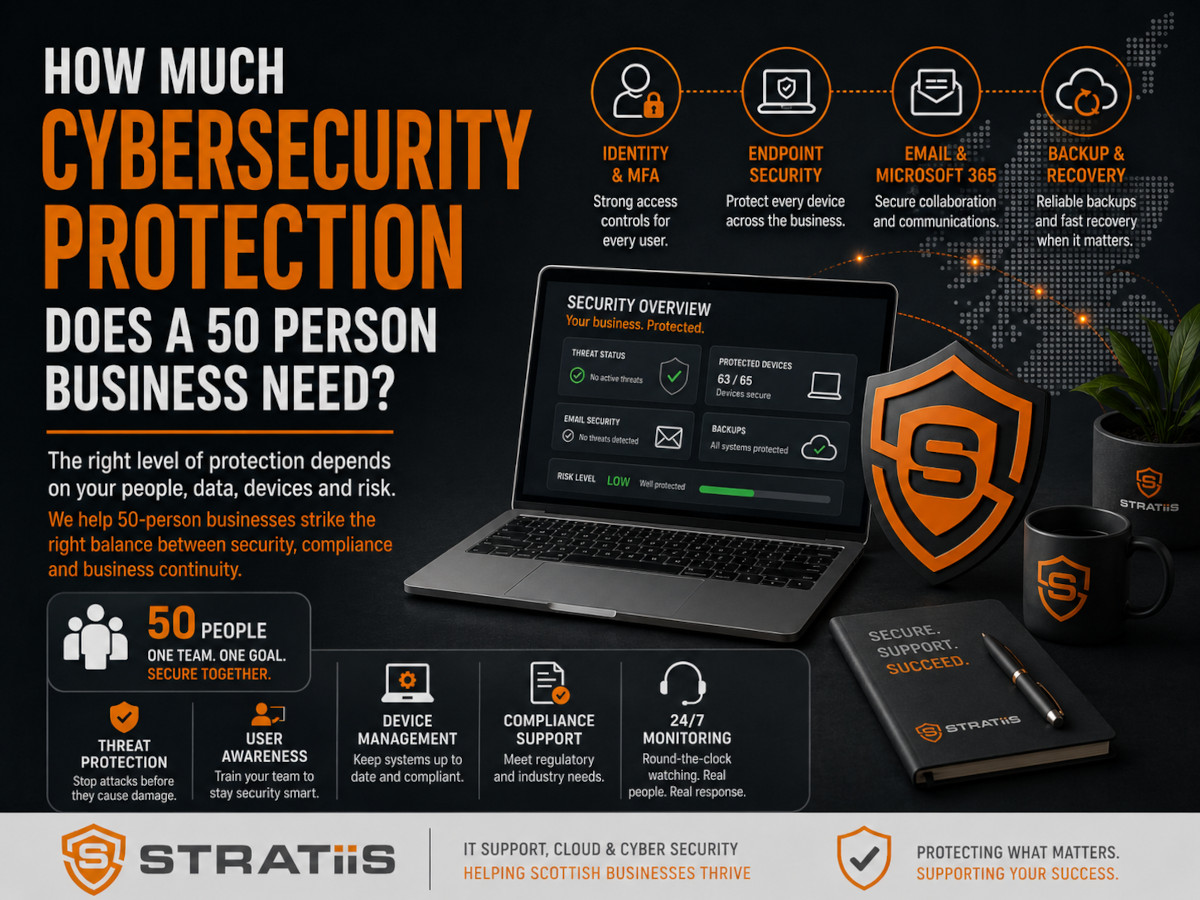
For most businesses with around 50 employees, a modern cybersecurity strategy should include:
- Multi-Factor Authentication (MFA)
- Endpoint protection
- Email security
- Device management
- Security awareness training
- Backup and disaster recovery
- Security monitoring
- Cyber Essentials controls
These protections form a layered security approach that significantly reduces the risk of ransomware, phishing attacks, data breaches, and business disruption.
In this guide, we'll explain exactly what a 50-person business should have in place and how to prioritise cybersecurity investments effectively.
Why 50-Person Businesses Are Increasingly Targeted
Many business owners assume cybercriminals focus exclusively on large enterprises.
Unfortunately, that isn't true.
Businesses with 50 employees are often attractive targets because they:
- Hold valuable data
- Depend heavily on technology
- Have limited internal IT resources
- Often lack dedicated security teams
- May have inconsistent security controls
Common targets include:
- Charities
- Law firms
- Accountancy practices
- Engineering companies
- Manufacturers
- Construction businesses
- Housing associations
Cybercriminals frequently target organisations that appear easier to compromise than larger enterprises.
The 8 Essential Cybersecurity Protections Every 50-Person Business Should Have
1. Multi-Factor Authentication (MFA)
If your organisation only implements one cybersecurity improvement this year, make it MFA.
Multi-Factor Authentication requires users to verify their identity using an additional factor beyond a password.
Examples include:
- Authentication apps
- Push notifications
- Hardware tokens
- Biometrics
Why It Matters
Most cyberattacks begin with compromised credentials.
MFA dramatically reduces the likelihood of a successful account takeover.
Recommended Coverage
MFA should be enabled for:
- Microsoft 365
- Email systems
- Remote access
- Cloud applications
- Administrator accounts
2. Modern Endpoint Protection
Traditional antivirus software is no longer sufficient.
Modern endpoint protection helps identify:
- Malware
- Ransomware
- Suspicious behaviour
- Zero-day threats
- Device compromise
Protected Devices Should Include
- Laptops
- Desktop PCs
- Servers
- Mobile devices
Endpoint protection is one of the most important layers in a cybersecurity strategy.
3. Advanced Email Security
Email remains the primary attack method used by cybercriminals.
Common threats include:
- Phishing attacks
- Malicious attachments
- Business email compromise
- Credential theft
Effective Email Security Should Include
- Spam filtering
- Threat detection
- Link protection
- Attachment scanning
- Impersonation protection
Many organisations already have access to these capabilities through Microsoft 365.
4. Device Management
Every device accessing company systems should be managed and monitored.
This includes:
- Laptops
- Desktop PCs
- Mobile devices
- Tablets
Good Device Management Includes
- Security policies
- Device encryption
- Remote management
- Software deployment
- Security updates
Microsoft Intune is commonly used to support these requirements.
5. Security Awareness Training
Technology alone cannot stop cyberattacks.
Employees remain one of the most important security controls.
Training Should Cover
- Phishing emails
- Social engineering
- Password security
- Data protection
- Safe remote working
Best Practice
Provide training at least quarterly rather than once per year.
Consistent reinforcement produces better results.
6. Backup and Disaster Recovery
Cybersecurity is not only about prevention.
It is also about recovery.
A business should assume that one day something will go wrong.
Essential Backup Requirements
✓ Automated backups
✓ Offsite backups
✓ Recovery testing
✓ Documented recovery procedures
✓ Business continuity planning
Critical Question
If your systems were unavailable tomorrow, how quickly could you recover?
Many organisations do not know the answer.
7. Security Monitoring and Threat Detection
Cybersecurity requires continuous attention.
Modern security monitoring helps identify:
- Suspicious activity
- Unusual logins
- Device compromise
- Security incidents
Benefits
- Faster detection
- Faster response
- Reduced impact
- Greater visibility
The sooner threats are identified, the less damage they can cause.
8. Cyber Essentials Controls
For most SMEs, Cyber Essentials provides an excellent cybersecurity baseline.
The framework focuses on:
- Firewalls
- Secure configuration
- User access control
- Malware protection
- Security update management
Many organisations discover significant security improvements simply by implementing Cyber Essentials requirements.
What Does a Well-Protected 50-Person Business Look Like?
A mature cybersecurity environment typically includes:
Identity Security
✓ MFA enabled
✓ Strong password policies
✓ Role-based access controls
Device Security
✓ Managed devices
✓ Endpoint protection
✓ Encryption
✓ Automated updates
Data Protection
✓ Secure file storage
✓ Backup systems
✓ Access controls
User Protection
✓ Security awareness training
✓ Phishing simulations
✓ Incident reporting procedures
Governance
✓ Cyber Essentials readiness
✓ Risk reviews
✓ Incident response plans
✓ Business continuity planning
These controls provide strong protection without creating unnecessary complexity.
Common Cybersecurity Mistakes Growing Businesses Make
Mistake 1: Relying on Antivirus Alone
Modern threats require multiple layers of protection.
Mistake 2: Ignoring User Training
Employees remain one of the most common attack targets.
Mistake 3: Weak Password Security
Passwords alone are no longer sufficient.
Mistake 4: Never Testing Backups
Recovery capability is just as important as prevention.
Mistake 5: Treating Cybersecurity as an IT Problem
Cybersecurity is a business risk and should be discussed at leadership level.
How Much Should a 50-Person Business Budget for Cybersecurity?
The exact investment depends on:
- Industry sector
- Compliance requirements
- Data sensitivity
- Existing infrastructure
- Cyber risk profile
However, most organisations should budget for:
- Security licensing
- Endpoint protection
- Backup services
- Security awareness training
- Monitoring and management
- Strategic security planning
The cost of preventative security is almost always lower than the cost of recovering from a cyber incident.
50-Person Engineering Company Who Moved To Stratiis
The Challenges They Faced
- Hybrid workforce
- Increasing ransomware concerns
- Growing Microsoft 365 usage
- No formal cybersecurity strategy
Their Security Improvements
The organisation implemented:
- Multi-Factor Authentication
- EDR & MDR Solution
- Device management
- Backup improvements
- Security awareness training
- Cyber Essentials preparation
The Outcome
Their benefits included:
- Reduced cyber risk
- Improved compliance readiness
- Greater operational resilience
- Better visibility into security issues
- Increased confidence from customers and partners
The biggest improvement came from strengthening existing controls rather than purchasing additional technology.
A Simple Cybersecurity Prioritisation Framework
If your organisation has limited resources, focus on these priorities:
Priority 1
Enable MFA across all critical systems.
Priority 2
Implement modern endpoint protection.
Priority 3
Improve backup and recovery readiness.
Priority 4
Deploy security awareness training.
Priority 5
Work towards Cyber Essentials certification.
These five actions deliver significant risk reduction for most businesses.
Why Businesses Across Scotland Choose Stratiis
At Stratiis, we help organisations throughout Glasgow, Edinburgh, Lanarkshire, Ayrshire, Lothian, Dumfries & Galloway, and Perthshire build practical, cost-effective cybersecurity strategies.
Our cybersecurity-first approach includes:
- Managed IT support
- Microsoft security expertise
- Cyber Essentials readiness
- Device management
- Endpoint protection
- Backup and disaster recovery
- Security awareness training
- Strategic vCIO services
We work with charities, nonprofits, law firms, manufacturers, engineering firms, housing associations, construction companies, accountants, and other growing organisations across Scotland.
Final Thoughts
A 50-person business does not need enterprise-level cybersecurity spending.
However, it does need a structured, layered security strategy.
For most organisations, this means implementing:
- Multi-Factor Authentication
- Endpoint protection
- Email security
- Device management
- Security awareness training
- Backup and disaster recovery
- Security monitoring
- Cyber Essentials controls
Cybersecurity is no longer optional.
The question is not whether your business will face cyber threats.
The question is whether your business is prepared when they arrive.
Related Articles
How Much Cybersecurity Protection Does a 50-Person Business Actually Need?
What Does a Strategic vCIO Do for a Growing Business and Is It Worth It?
Microsoft 365 Business Premium vs E5: Which Is Best for Scottish Businesses?
What Cyber Essentials Requirements Apply to Scottish SMEs and Charities in 2026?


