
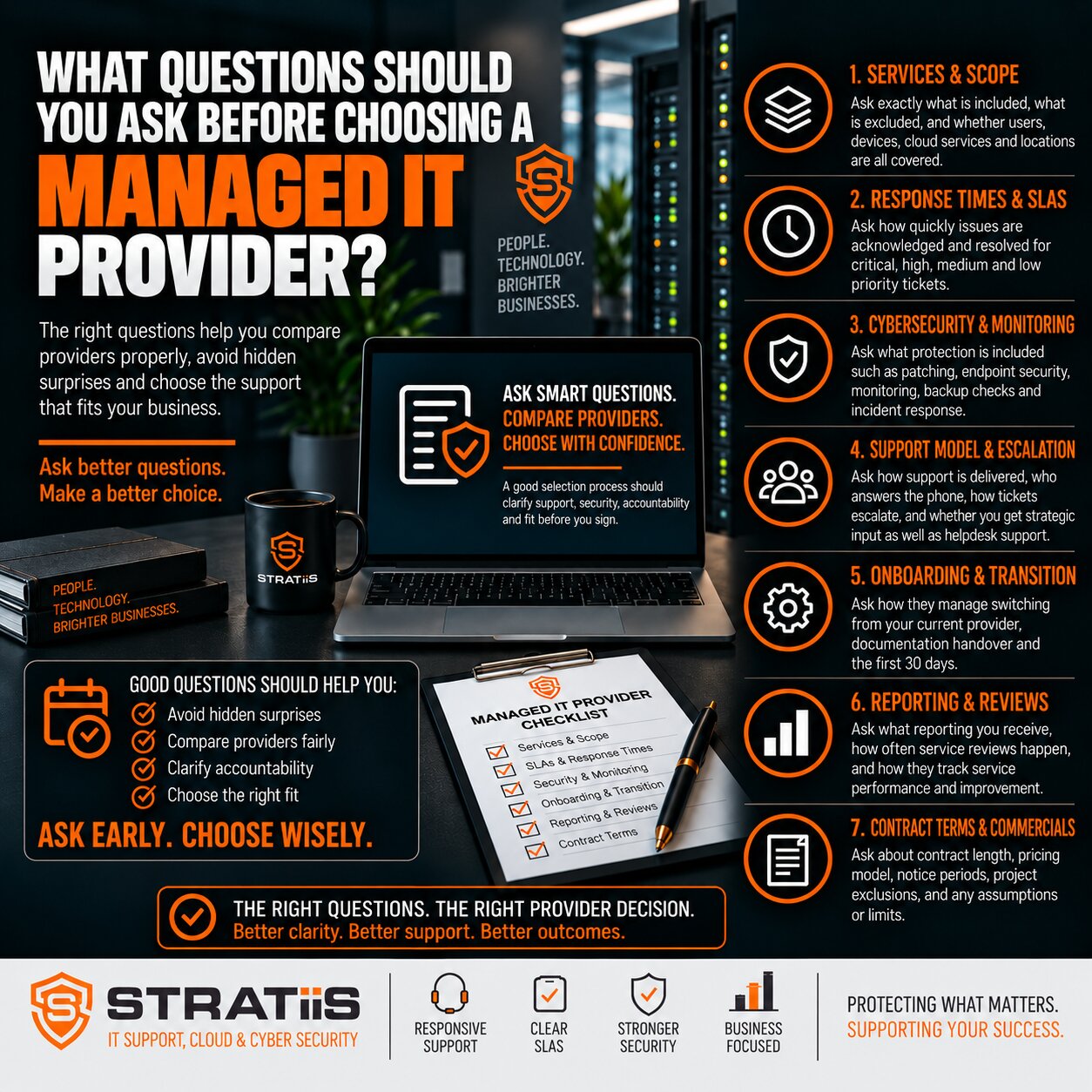
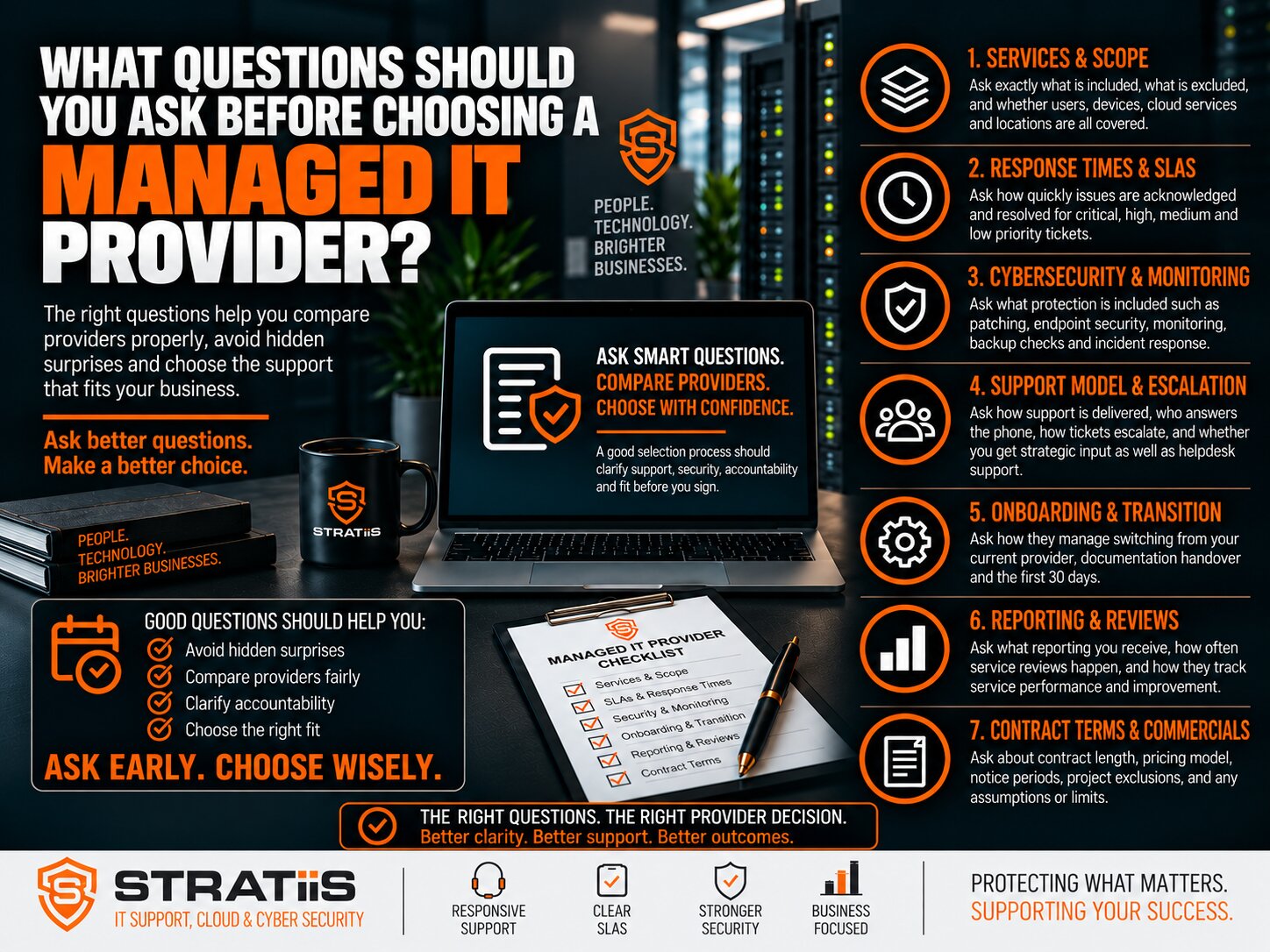
Choosing a managed IT provider means trusting another organisation with day-to-day support, privileged access, cybersecurity and the systems your people rely on. A good proposal should let you see exactly what that provider will do, how it will perform and how the relationship can end.
Use these 43 questions during supplier interviews and ask for written evidence in the proposal and service agreement. Compare answers against your organisation’s size, working hours, locations and tolerance for disruption.
The short answer
Before choosing a managed IT provider, ask what is included and excluded, how support is prioritised, who handles security and backups, what performance you will see, how technology will be planned, and how your systems and data will be handed back if you leave. Get the answers in writing.
In this guide
Chapter 1
What are you buying?
1. What is included in your managed IT service?
Ask for a written service schedule covering helpdesk, remote and on-site support, monitoring, patching, Microsoft 365 administration, device and network management, backup oversight, security and strategic reviews. “Fully managed” is only useful when each responsibility is defined.
2. What is not included?
Request a clear exclusions list. Projects, office moves, migrations, hardware, software licences, cabling, out-of-hours work and major incident recovery may be priced separately. The proposal should say when extra charges need approval.
3. How do you charge?
Compare per-user, per-device and fixed-fee models on the same basis. Ask which licences, security tools, backups, visits, projects, travel and annual increases are included. The total cost matters more than the headline monthly rate.
Chapter 2
How will support work when people need it?
4. What response times do you commit to?
Ask for the SLA by priority and a definition of “response”. An automatic acknowledgement is different from an engineer starting work. Check escalation and progress-update commitments as well as the initial target.
5. How do you prioritise tickets?
A useful priority model reflects business impact, urgency, security risk, users affected and whether a workaround exists. Ask for examples relevant to your organisation.
6. What are your support hours?
Confirm the normal service window, public-holiday arrangements and how evenings, weekends and critical incidents are covered. Check whether enhanced cover costs extra.
7. Who actually answers the helpdesk?
Find out whether users reach technical staff, a call-handling team or an outsourced desk. Ask how many common issues can be resolved at first contact.
8. How are complex issues escalated?
Ask when a ticket moves to senior engineers, Microsoft specialists or security specialists, and who remains accountable for updates.
9. Will you provide on-site support?
Check geographic coverage, visit charges, travel costs and expected attendance for offices across Scotland. Remote support may solve many issues, but some work needs someone at the premises.
Chapter 3
How will you protect systems and recover?
10. What cybersecurity is included?
Ask which controls are in scope: endpoint protection, identity and email security, MFA, vulnerability management, staff awareness and monitoring. “Cybersecurity included” should name actual controls and responsibilities.
11. Who monitors cybersecurity alerts?
A tool is not a response process. Ask who receives alerts, during which hours, how suspicious activity is investigated and when your team is told.
12. How do you protect Microsoft 365?
Review MFA, privileged accounts, Conditional Access where appropriate, device controls, secure sharing, email protection and audit visibility. Separate administration from security ownership.
13. Is Microsoft 365 backup included?
Check whether Exchange, OneDrive, SharePoint and relevant Teams data are protected, the retention period and the restore process. Do not infer backup coverage from the presence of Microsoft 365.
14. How do you manage backups?
Ask what is backed up, where copies are held, who investigates failures and how often restore tests are performed. A successful backup job is not proof of a usable recovery.
15. What happens during a cybersecurity incident?
Ask who leads containment, investigation, communication and recovery. Clarify whether specialist response and restoration work are included or separately charged.
Chapter 4
Who controls the day-to-day environment?
16. How do you manage joiners and leavers?
Expect a documented process for accounts, licences, devices, access approval and timely removal of departing users’ sessions and permissions.
17. How do you manage administrator access?
Ask whether technicians use individual privileged accounts, MFA, logging and controlled access. The provider should explain how access is revoked when its own staff leave.
18. How do you manage patching?
Check which operating systems, applications, servers, firewalls and network devices are covered. Ask how failed updates and urgent security patches are identified and reported.
19. How do you monitor our IT environment?
Find out which devices, services, backups and security tools are monitored, what triggers action and whether monitoring extends beyond normal support hours.
20. How do you manage third-party suppliers?
Many faults cross supplier boundaries. Ask whether the MSP will coordinate with telecoms, internet, cloud and business software vendors until there is a clear owner.
21. Do you maintain IT documentation?
Useful records include network diagrams, configurations, supplier details, backup settings, licences and inventories. Ask who can access them and how they are kept current.
22. Who owns our Microsoft 365 tenant and domain?
Your organisation should retain appropriate control of its tenant, domains, DNS, subscriptions and data. Confirm how access and records would be returned during a provider change.
23. How do you manage IT assets?
Ask for an inventory of laptops, desktops, servers and network equipment with owner, location, age, warranty and operating system.
24. How will you help us plan hardware replacement?
The provider should identify unsupported and ageing devices early and present a budgeted replacement plan rather than wait for failure.
Chapter 5
How will you measure value and plan ahead?
25. Will we receive regular reports?
Ask for reports that show service performance, recurring issues, backup and patch status, security findings, asset risks and actions. Data should support decisions.
26. How often will we have review meetings?
Agree the cadence, attendees and agenda. Reviews should discuss performance, risk, projects and business priorities, not only ticket totals.
27. Do you provide strategic IT planning?
Ask for a roadmap that connects technology, security, lifecycle and budgets to your organisation’s goals. Clarify whether vCIO advice is included.
28. How will you learn about our business?
A provider should ask about critical processes, key applications, growth, compliance and acceptable downtime before designing a service.
29. Do you have experience with businesses like ours?
Relevant sector and scale experience can help the MSP recognise operational risks. Ask for examples that resemble your organisation.
30. Can you provide customer references?
Speak to comparable customers about communication, major incidents, security improvements and strategic advice, subject to their consent.
31. What certifications and partnerships do you hold?
Check the skills that matter to your environment, such as Microsoft, networking, cloud and security. A badge is supporting evidence, not a substitute for capability.
32. How do you secure your own business?
The MSP is part of your supply chain. Ask how it protects privileged access, endpoints, remote tools and customer data, and how it prepares for an incident.
33. How do you vet and train your staff?
Understand the provider’s screening, technical development, security training and access-control processes for staff who may reach your systems.
34. What happens if one of your engineers leaves?
Ask how accounts and remote access are disabled, customer access is reviewed and shared credentials are rotated where necessary.
35. Do you use subcontractors?
If helpdesk, monitoring, projects or out-of-hours work are outsourced, ask who they are, what access they receive and who remains accountable.
36. Where is our data stored?
Ask where backups, documentation, logs and password records are held, who can access them and whether location affects your contractual requirements.
37. What insurance do you carry?
Request details of relevant professional, public-liability and cyber cover, including limits. Insurance complements sound operational controls.
38. What happens if your own service goes down?
The MSP should explain how its helpdesk, engineers, remote tools and customer communications continue during its own outage.
Chapter 6
How do you start, and how can we leave?
39. How does onboarding work?
Expect discovery, inventory, access transfer, documentation, security and backup checks, tool deployment and a named transition lead. Ask for a realistic schedule.
40. Will you identify problems during onboarding?
A new provider should flag unsupported devices, missing patches, backup gaps, excessive privileges and weak configurations. Clarify which fixes are included.
41. How do you handle a transition from our existing provider?
Ask for a transition checklist covering credentials, Microsoft 365, domains, network devices, backups, licences and suppliers. Support should remain continuous during handover.
42. What is the minimum contract length?
Read the minimum term, renewal method, notice period, price-review clause and any early termination costs before signing.
43. What happens if we want to leave?
Agree in advance how documentation, administrator access, backups, licences and management tools will be transferred or removed, including any exit charges.
How should you compare managed IT providers?
Use the same evidence for every shortlisted provider. Price alone cannot show whether one offer includes stronger security, better incident ownership or useful strategic guidance. The table below helps leadership compare like with like.
| Area | Evidence to request | What to compare |
|---|---|---|
| Scope and price | Service schedule, exclusions and full cost breakdown | Support, licences, security, backup, projects and annual increases |
| Support | SLA, support hours and escalation process | Priority definitions, real engineer contact, updates and on-site cover |
| Cybersecurity | Control list and incident-response responsibilities | Monitoring hours, account protection, endpoint coverage and recovery |
| Proactive management | Monitoring, patch and backup reports | Coverage, exceptions, ownership and restore testing |
| Strategy | Sample review agenda and roadmap | Risk, budget, lifecycle and business alignment |
| Transition and exit | Onboarding and offboarding plans | Access, documentation, tenant ownership and handover fees |
What warning signs should make you pause?
Be cautious when a provider cannot define its scope, avoids discussing exclusions, promises an impressive response without explaining what it means, or cannot tell you who watches security alerts and verifies restores. Weak onboarding, vague account ownership and unclear exit terms also deserve scrutiny. Ask for evidence and a practical explanation before committing.
If your current provider is struggling to keep pace with the business, read our guide to warning signs that you have outgrown your current MSP. A planned handover can protect continuity; see how to switch IT providers without disrupting your business.
Should you choose the cheapest managed IT provider?
Choose a service that meets your support, security and planning needs at a cost you can understand. A low monthly fee may become expensive if important controls, visits, projects or incident response are outside the agreement. Ask for the likely total cost and compare what each provider is accountable for.
Review your managed IT options
Stratiis can help you assess an existing arrangement or compare a new proposal against the way your organisation works.
Related guides
Use these articles to examine specific parts of an MSP proposal in more detail.
Explore Stratiis services
See how support, security and strategic guidance can be delivered for your organisation.


