
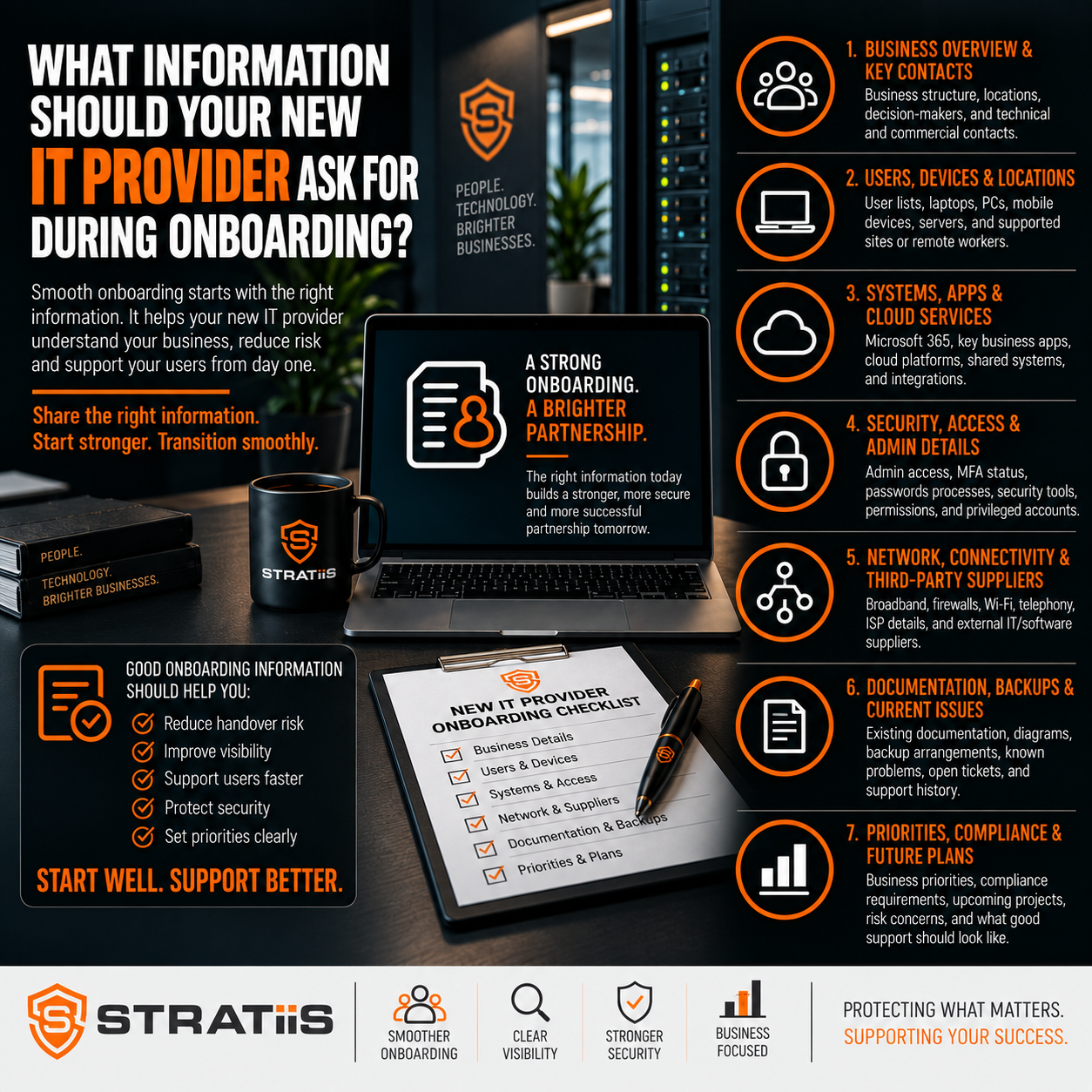
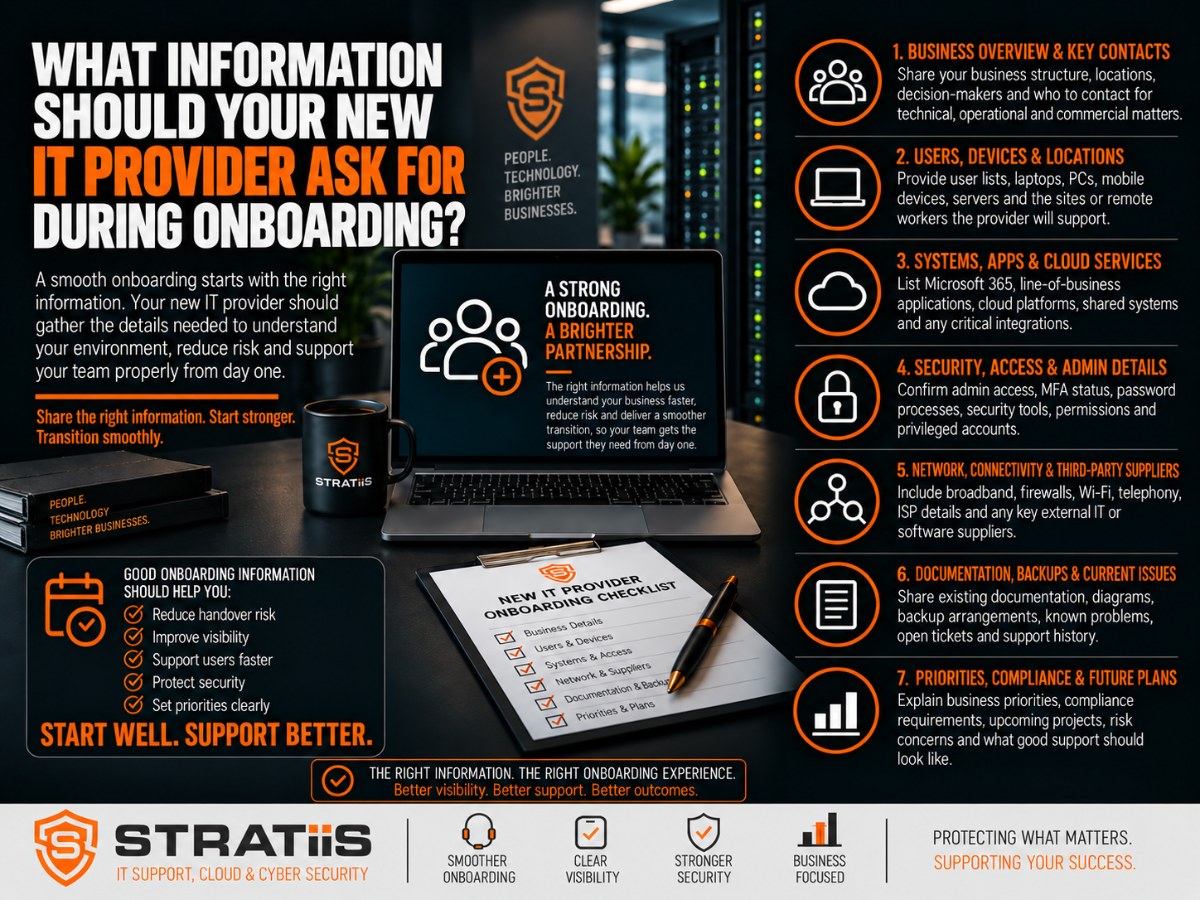
A new IT provider should ask for enough information to understand your people, technology, suppliers, security risks and business priorities before taking responsibility for support. The request should cover users, devices, Microsoft 365, networks, servers, applications, backups, contracts and current issues, with credentials transferred through a secure process.
The short answer
Your new provider should build a verified record of who uses the technology, what the business depends on, how systems are configured, where data is protected and who owns each supplier relationship. Good onboarding turns scattered knowledge into a usable support baseline and identifies missing documentation, unsupported systems, urgent security gaps and decisions that require business approval.
In this guide
Users, identity and Microsoft 365
Devices, infrastructure and applications
Security, backup and recovery
Suppliers, licences and contracts
Support history and planned change
Secure account handover
When information is incomplete
What onboarding should produce
Warning signs
Common questions
AREA 1
Start With the Business Context and People
Technology only makes sense in the context of the organisation it supports. The provider should identify the main contacts, locations, working hours, departments and approval routes. It should know who can authorise purchases, access changes, security actions and work that may interrupt a service.
Contacts and responsibilities
Named decision makers, finance and procurement contacts, department leads, emergency contacts and the people authorised to approve sensitive requests.
Sites and working patterns
Office, home, field and multi-site arrangements, opening hours, critical periods, site access requirements and teams working outside normal hours.
Critical services
The systems the organisation cannot operate without, the effect of downtime and the order in which services should be restored after disruption.
AREA 2
Build an Accurate Picture of Users and Access
The provider should request a current user list and compare it with the accounts that exist across Microsoft 365, business applications, devices and remote-access services. The review should identify employees, contractors, shared accounts, privileged administrators, dormant users and service accounts.
| Area | Information to establish | Why it matters |
|---|---|---|
| User lifecycle | Joiner, mover and leaver process, approvals and ownership. | Reduces delayed access and accounts remaining active after someone leaves. |
| Microsoft 365 | Tenant ownership, licences, domains, email, Teams, SharePoint and OneDrive. | Shows how communication, collaboration and information are administered. |
| Identity security | Multi-factor authentication, Conditional Access and sign-in policies. | Helps expose weak or inconsistent access controls. |
| Privileged access | Administrator roles, emergency accounts and approval routes. | Supports secure administration and recovery. |
If Microsoft 365 is central to the organisation, the provider should document both the technical configuration and who is responsible for governance. Stratiis can support this through its Microsoft 365 Services.
AREA 3
Map Devices, Infrastructure and Applications
A useful inventory is more than a count of laptops. It should show ownership, model, age, warranty, operating system, encryption, management status and the user or location associated with each device. Servers, virtual machines, mobile devices, printers and specialist equipment should also be recorded where they fall within the support scope.
Endpoints
Laptops, desktops, tablets and phones, including operating systems, security status, warranty, assigned users and management state.
Core systems
Physical and virtual servers, cloud workloads, storage, directories, databases, hosting arrangements and technical dependencies.
Connectivity
Internet circuits, public IP addresses, firewalls, switches, wireless networks, VPNs, DNS, domains and diagrams.
Business applications
Critical software, licences, hosting, integrations, support contacts, renewal dates, data locations and specialist access.
Communications
Phone platforms, number ranges, call routing, mobile services and the suppliers responsible for support.
Physical access
Server rooms, network cabinets, keyholders, alarm procedures, access cards and site operating hours.
The provider should verify what it can discover automatically and investigate discrepancies. An unknown server, unmanaged device or expired domain registration may represent a larger risk than its place on an inventory suggests.
AREA 4
Verify Security, Backup and Recovery
Security information should cover the controls that are active, the systems they protect and the person or supplier responsible for responding to alerts. This commonly includes endpoint protection, email security, firewalls, device management, monitoring, patching, vulnerability management and awareness training.
| Control | What the provider should confirm | Expected evidence |
|---|---|---|
| Endpoint and email protection | Products, coverage, policies, alert destinations and response ownership. | Supported users and devices are visible and monitored. |
| Identity security | MFA, Conditional Access, administrator roles, inactive accounts and risky access. | Important access gaps and exceptions are recorded. |
| Backup scope | Microsoft 365 data, servers, applications, files, schedules and retention. | Coverage matches business requirements rather than assumptions. |
| Recovery readiness | Restore tests, recovery order, recovery objectives and responsible contacts. | Recent evidence shows that protected data can be recovered. |
The provider should ask about previous incidents, cyber insurance conditions, regulatory requirements and known exceptions. Stratiis can review this through its Cybersecurity Services and Backup and Disaster Recovery services.
AREA 5
Record Suppliers, Licences and Contracts
Many business systems sit outside an MSP's direct control. The new provider should know which suppliers provide internet, telephony, line-of-business software, websites, domains, printing, security, cloud hosting and other specialist services.
Customer name, portal ownership and authorised contacts.
Telephone, email, portal, service references and escalation.
Licences, renewal dates, contract owner and important exclusions.
Systems, integrations, data and infrastructure that rely on the supplier.
The business should retain ownership of its domains, cloud tenants and important service accounts wherever possible. Third-party access should have a defined purpose, scope and expiry, with legacy accounts removed.
AREA 6
Understand Support History and Planned Change
Technical discovery should be paired with a review of current experience. The provider should ask about recurring faults, unresolved tickets, unreliable systems, user complaints, previous cyber concerns and workarounds that have become normal.
What is causing friction now?
Slow support, recurring outages, unreliable Wi-Fi, ageing devices, Microsoft 365 problems, backup concerns and incomplete documentation can reveal priorities that an inventory alone will miss.
What is changing next?
Recruitment, new premises, acquisitions, contract wins, cloud migrations and system replacements can change the support requirement quickly.
If the relationship is being selected or reviewed, compare how providers discover, document and prioritise this information. See What Questions Should You Ask Before Choosing a Managed IT Provider?, How Do You Compare Managed IT Support Providers? and What Should You Check Before Renewing Your IT Support Contract?
SECURE HANDOVER
Transfer Accounts and Passwords Safely
Credentials should not be collected in ordinary email, open spreadsheets or shared documents. The new provider should explain the secure transfer method, who can access the information and when temporary credentials will be changed.
Establish ownership
Confirm that the business owns the tenant, domain, licences and service accounts before changing access.
Transfer securely
Use an approved encrypted channel or password vault with access limited to named people.
Verify access
Test administration and recovery routes before the outgoing provider's access is removed.
Rotate credentials
Change shared or inherited passwords and protect privileged accounts with strong authentication.
Remove old access
Disable obsolete accounts, remote tools and supplier access through a controlled process.
Record the result
Document new ownership, access routes, emergency accounts and remaining gaps.
A well-managed change also sets clear dates, responsibilities and escalation contacts. Read How to Switch IT Providers Without Disrupting Your Business for the wider transition process.
WHEN RECORDS ARE INCOMPLETE
Rebuild Missing Information in Priority Order
Incomplete documentation should not stop a move, but it should change the onboarding plan. The new provider can combine technical discovery with information from the organisation, cloud portals, invoices, suppliers and the outgoing provider.
Inspect the live environment
Use device, network, tenant and licence data to establish what exists and who is using it.
Close the riskiest gaps
Secure administrator access, backups, domains, critical systems and support routes first.
Create a controlled baseline
Document assumptions, missing evidence, decisions and owners so progress is visible.
Poor records can indicate that the current relationship no longer meets the organisation's needs. See The 7 Warning Signs Your Business Has Outgrown Its Current IT Provider.
ONBOARDING OUTCOMES
What Should the New Provider Know by the End?
By the end of onboarding, the provider should be able to explain the supported environment, the most important dependencies and the risks that need a decision. The business should receive a clear baseline rather than a silent collection of passwords.
Users, devices, systems, locations, suppliers and ownership are documented.
Administration is protected, traceable and independent of the outgoing provider.
Security, patching, monitoring and backup coverage have been checked.
Urgent risks, service improvements and future projects have owners and next steps.
The first month should turn discovery into action, reporting and an agreed improvement plan. See What Happens in the First 30 Days After Changing IT Provider?
Warning Signs of Weak Onboarding
Inherited gaps are common. The concern is a provider that fails to identify them, cannot explain what it controls or produces no structured improvement plan.
Control remains unclear
Important credentials, ownership, old-provider access or supported assets remain unknown.
Protection is assumed
Backup, MFA, endpoint security and monitoring have not been verified.
Users are confused
Employees do not know how to contact support or which provider owns an issue.
No findings are shared
Leadership receives activity updates without a clear risk and service assessment.
Everything changes at once
Tools and settings are replaced before dependencies and business impact are understood.
No next step exists
The onboarding ends without owners, priorities, review dates or an improvement plan.
Common Questions About IT Provider Onboarding
Should a new provider ask for every password?
No. It should request the access required for the agreed service, use secure transfer and storage, and replace shared or inherited credentials where practical.
Who should provide the information?
The business, outgoing provider and specialist suppliers may each hold part of the picture. A senior business contact should oversee the process.
How long should onboarding take?
It depends on the number of users, locations, systems and suppliers, plus the quality of existing records. The provider should give a timetable and progress updates.
Can support start if records are incomplete?
Yes, provided the provider understands the gaps and manages the risk. Critical access, security, backup and escalation information should be prioritised.
Should the new provider speak to the old one?
Usually yes. A controlled technical handover can resolve questions quickly, with the customer setting the authority, scope and dates.
What should the customer receive?
A current support baseline, confirmed contacts and scope, a risk summary and an agreed plan for urgent remediation and longer-term improvement.
The written scope should also be clear. Compare the onboarding plan with What Should Be Included in a Managed IT Support Agreement? and What Is Actually Included in Fully Managed IT Support?
Planning to Change IT Provider in Scotland?
Stratiis can assess the current environment, coordinate the handover and establish a secure, documented foundation for ongoing support.


